The Workshop: community skins
3 steps · about 2 min
- 1
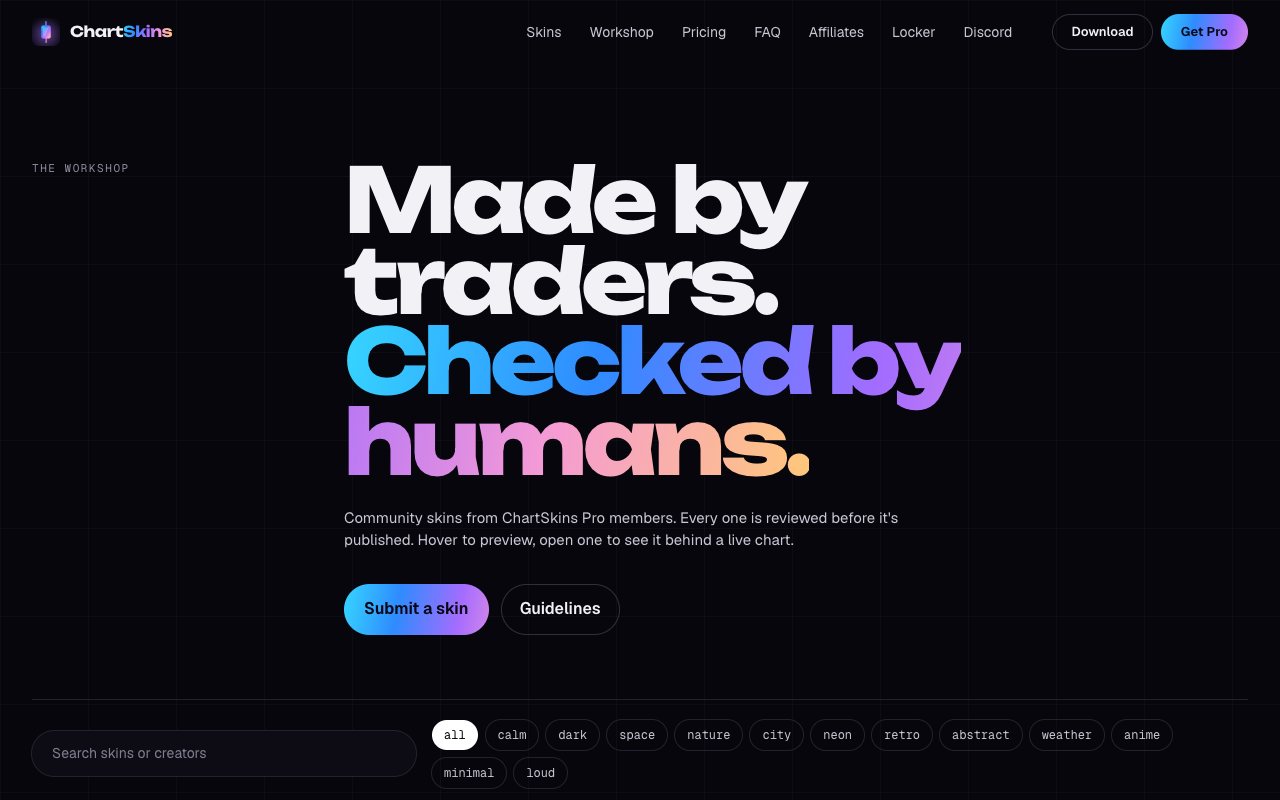
Browse
Open the Workshop tab in the extension or the desktop app, or go to chartskins.com/workshop.
- 2
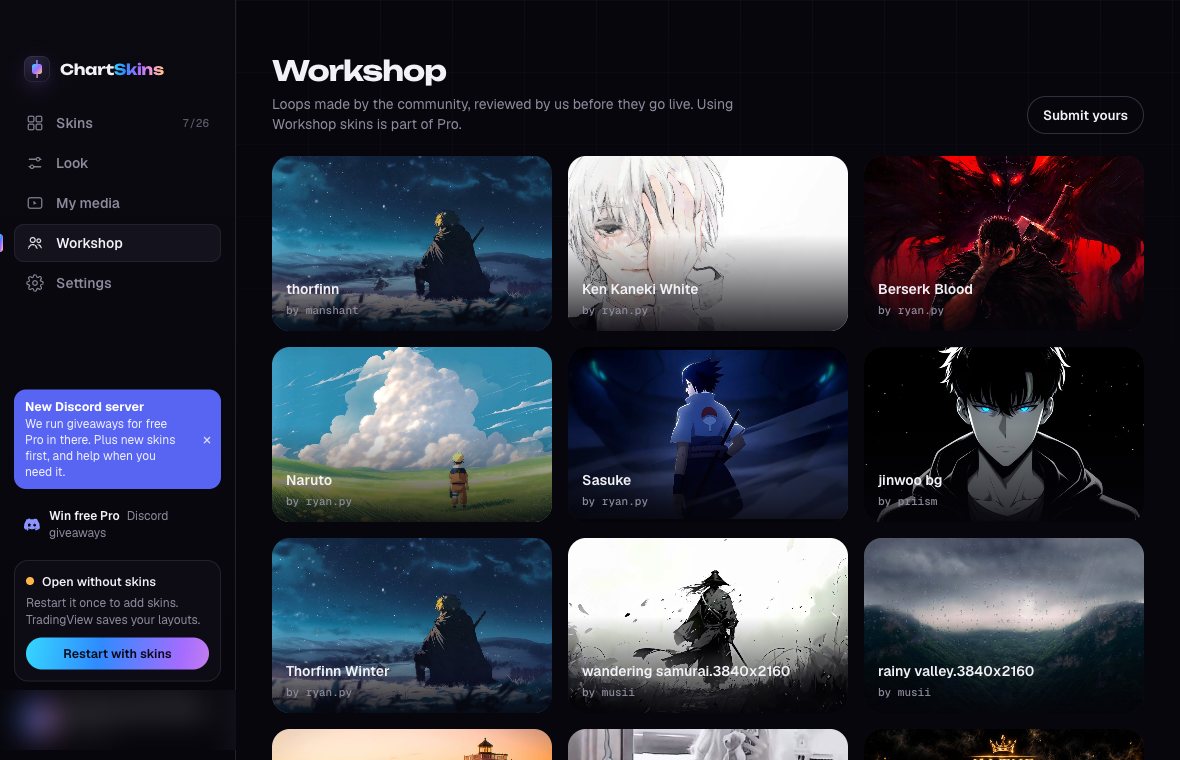
Use one (Pro)
Click a skin to put it on your chart.
- 3
Submit your own
On chartskins.com/workshop click Submit yours. MP4 or WebM, up to 25 MB and 60 seconds. You can have up to 25 skins. We review every one before it goes live.