Add your own wallpapers
4 steps · about 2 min
Your files stay on your computer and are never uploaded. MP4, WebM, MOV, GIF, PNG, JPG and WebP all work. Short loops look best.
- 1
Extension: open My media
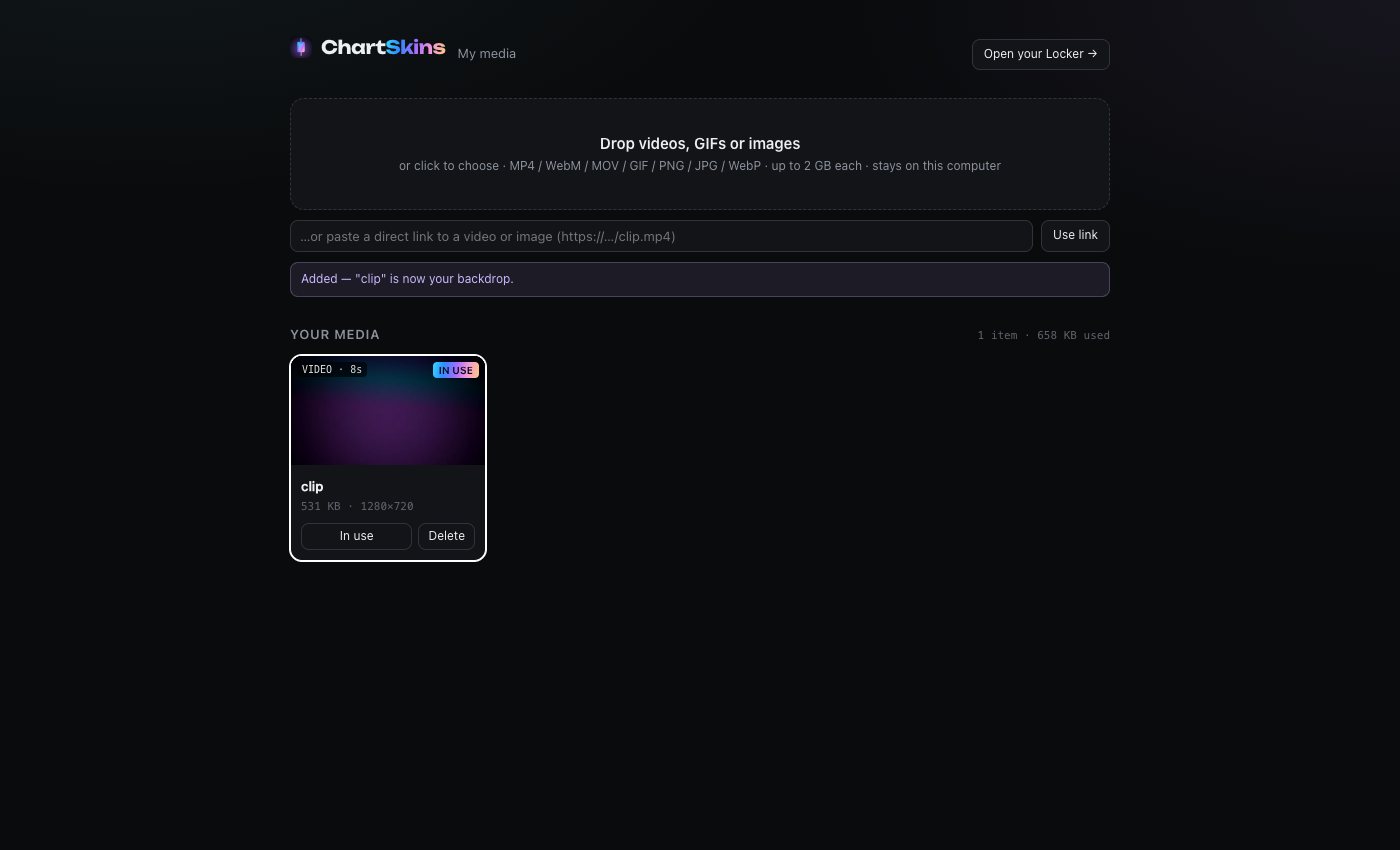
Click the ChartSkins icon → My media tab → Add video / image. (Or on chartskins.com: your Locker → My media.)
- 2
Drop your file in
Drag a video or picture onto the box, or click it to choose a file. It goes on your chart straight away.
- 3
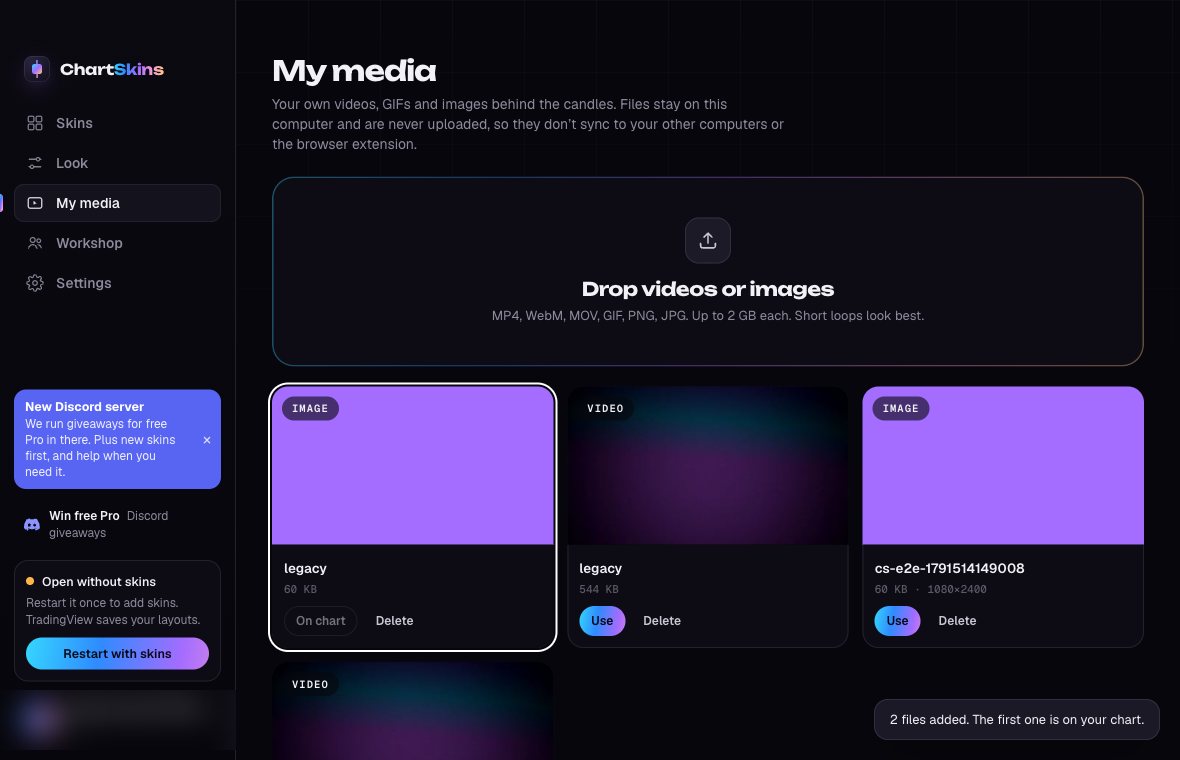
Desktop app: My media
Click My media in the sidebar and drop your files on the box. Click Use on any of them to put it on your chart.
- 4
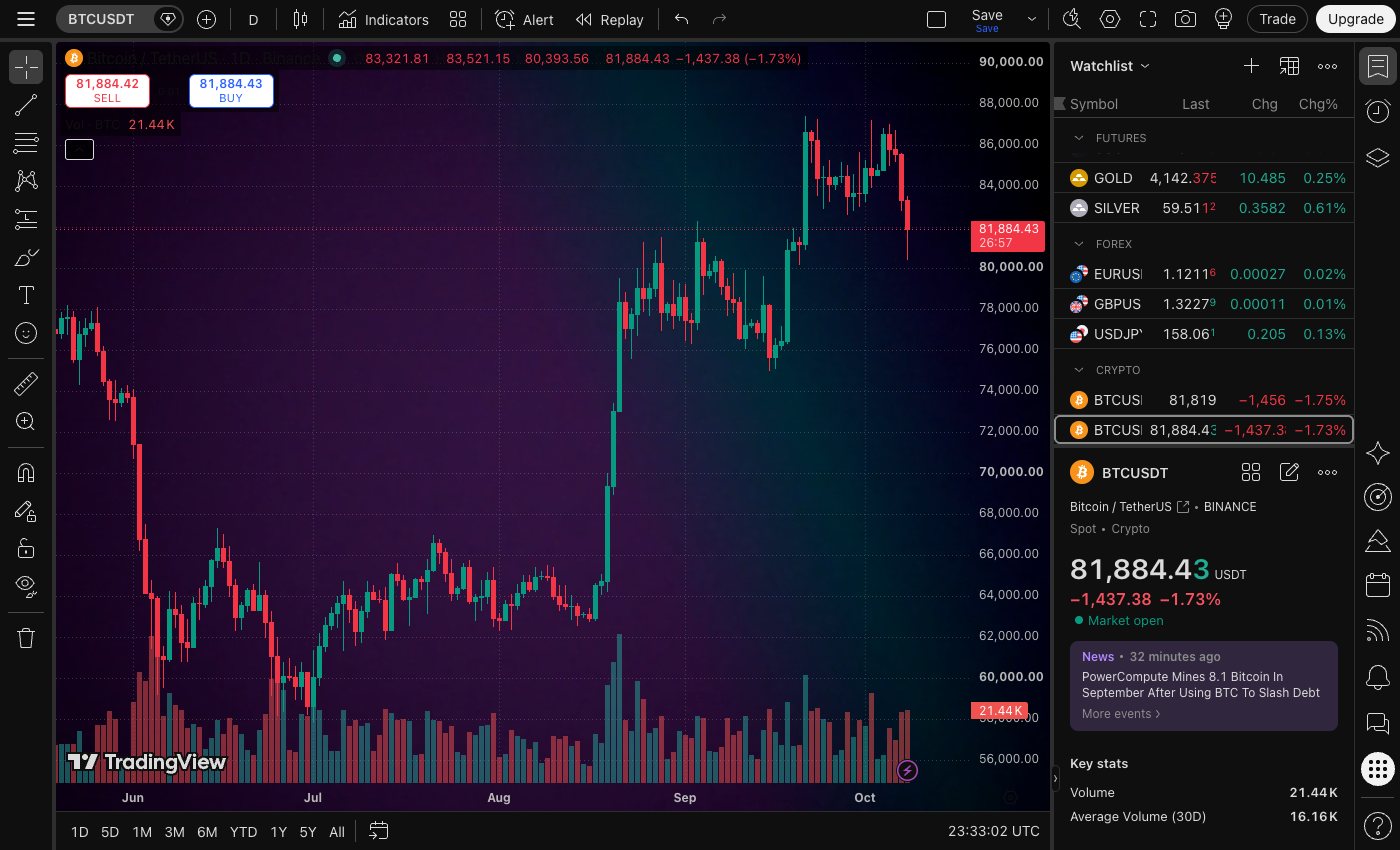
See it on your chart
Your file sits behind the candles. Use Dim if it’s too bright to read the chart.
Good to know
- • iPhone photos (HEIC) can’t be shown: save them as JPG or PNG first.
- • Files don’t sync between the extension and the desktop app, or between computers: add them on each one.