Live backgrounds for TradingView
Skin yourcharts.
Animated skins, videos and GIFs that live behind your candles, not on top of them. Your levels stay crisp. Your chart finally looks like yours.
01 — Under the candles
Behind your price action.
Never on top of it.
ChartSkins makes TradingView's own chart background transparent and slides your skin underneath, so wicks, levels and labels draw on top exactly like before.
Turn it off and your original background comes straight back. Dim, Blur and Strength keep busy skins quiet when the tape gets fast.
02 — The daily case
One free case a day.
Keep what you pull.
Install ChartSkins and 5 skins are yours on the spot. Open a case every day to collect the other 16, from Common up to Legendary. Never a duplicate.
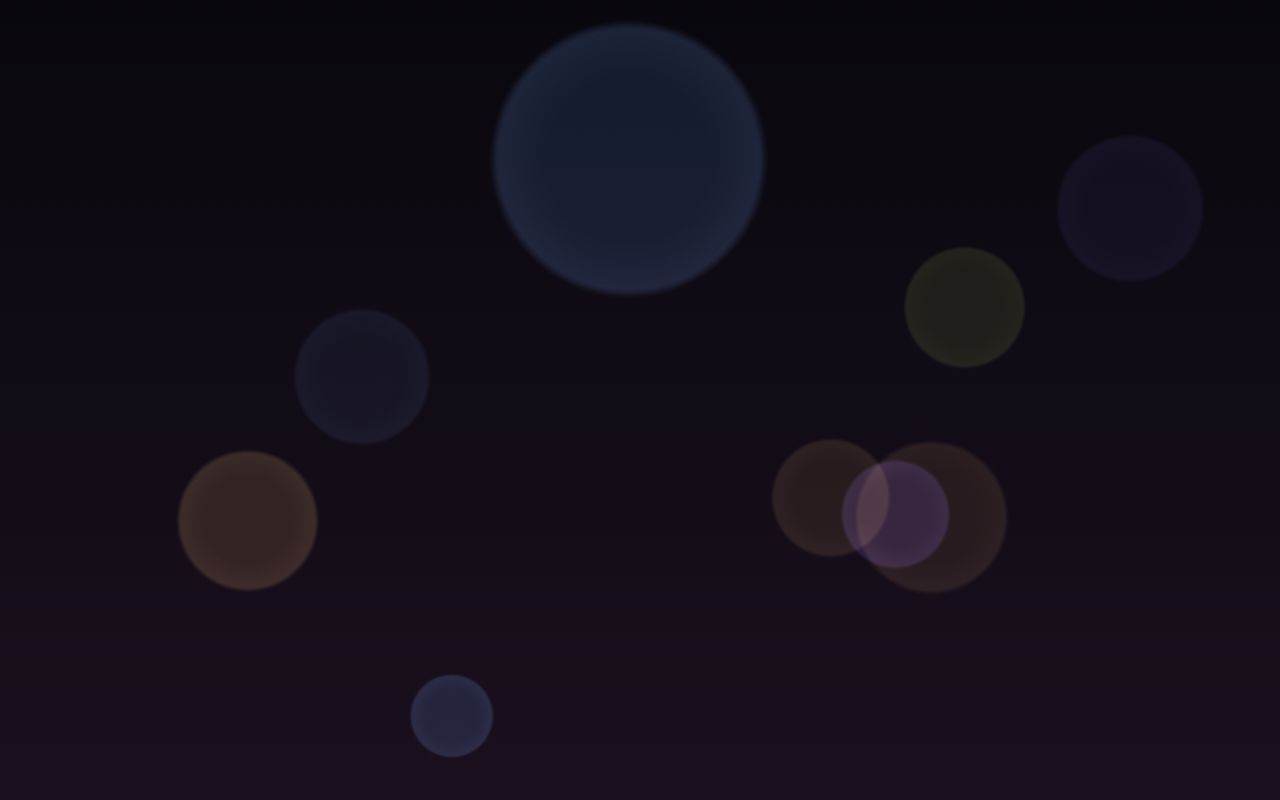
Common
Bokeh
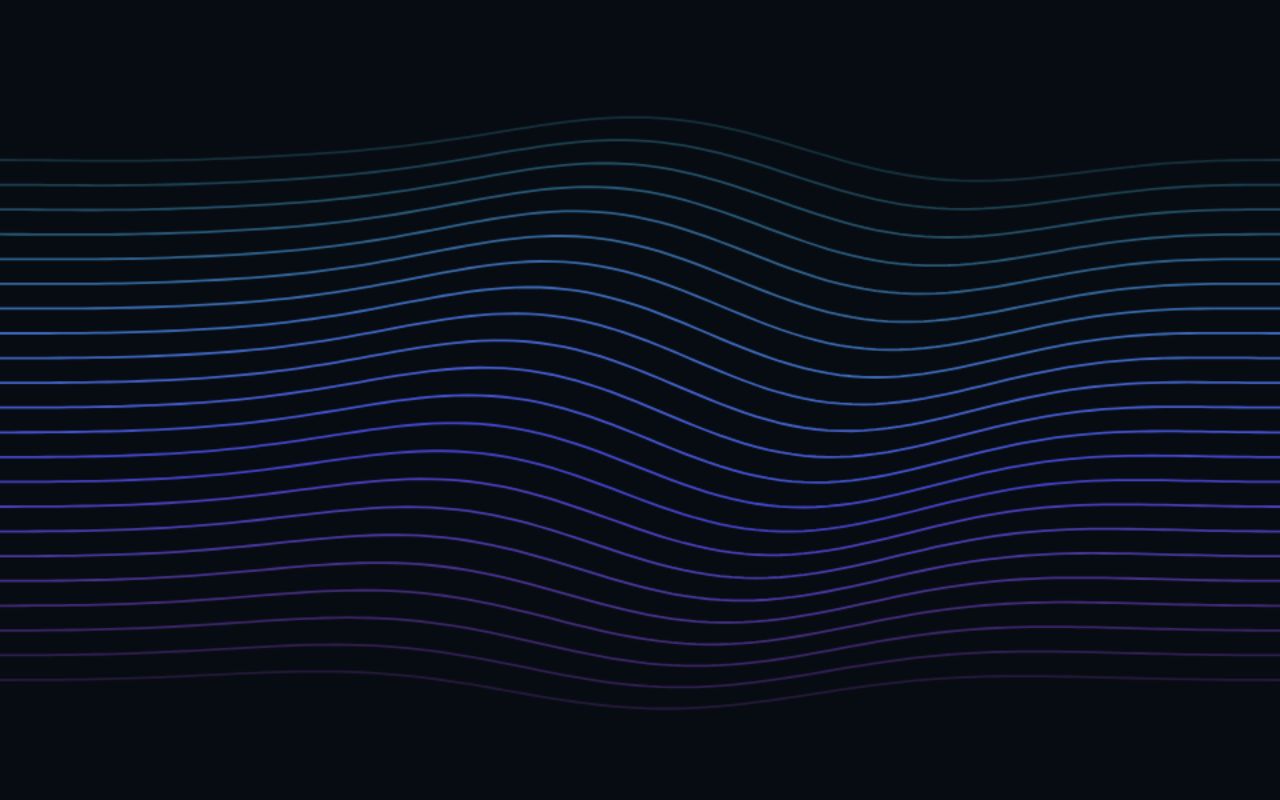
Rare
Waves
Common
Bokeh
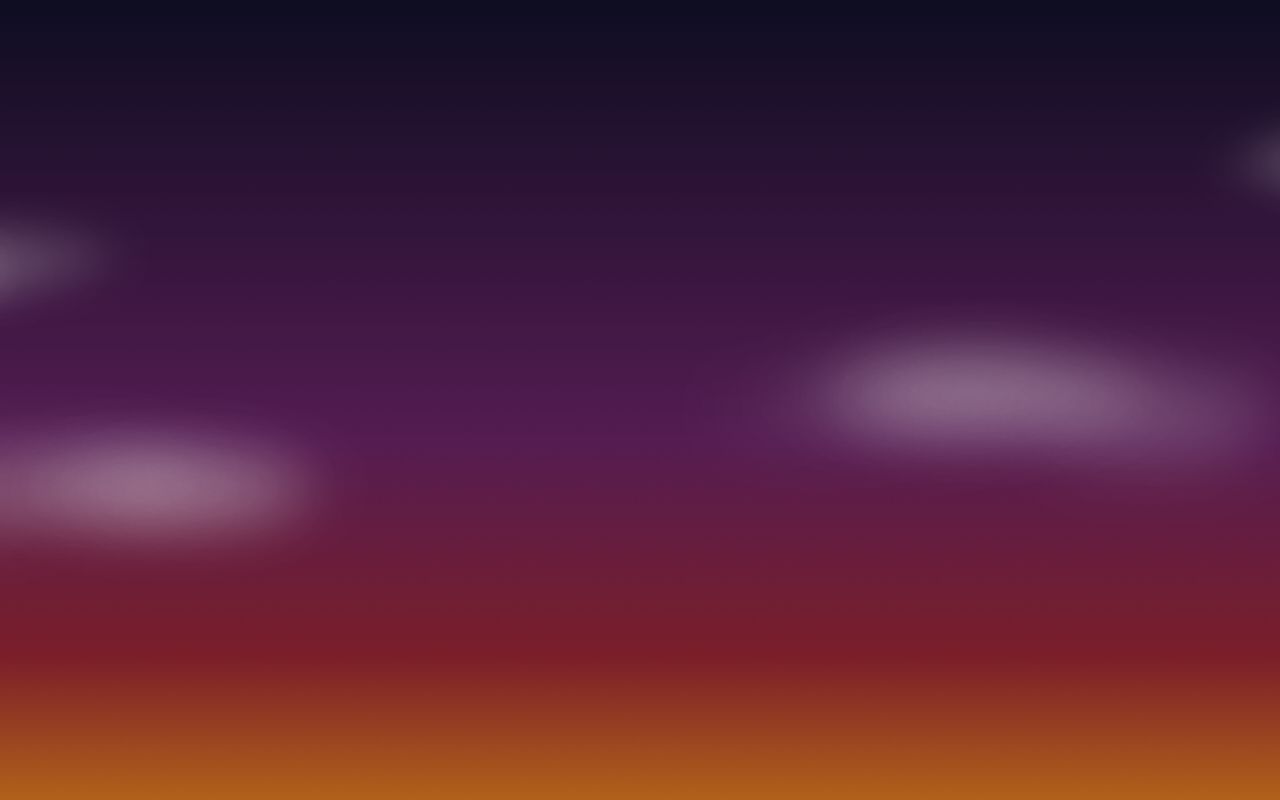
Common
Dusk
Common
Bokeh
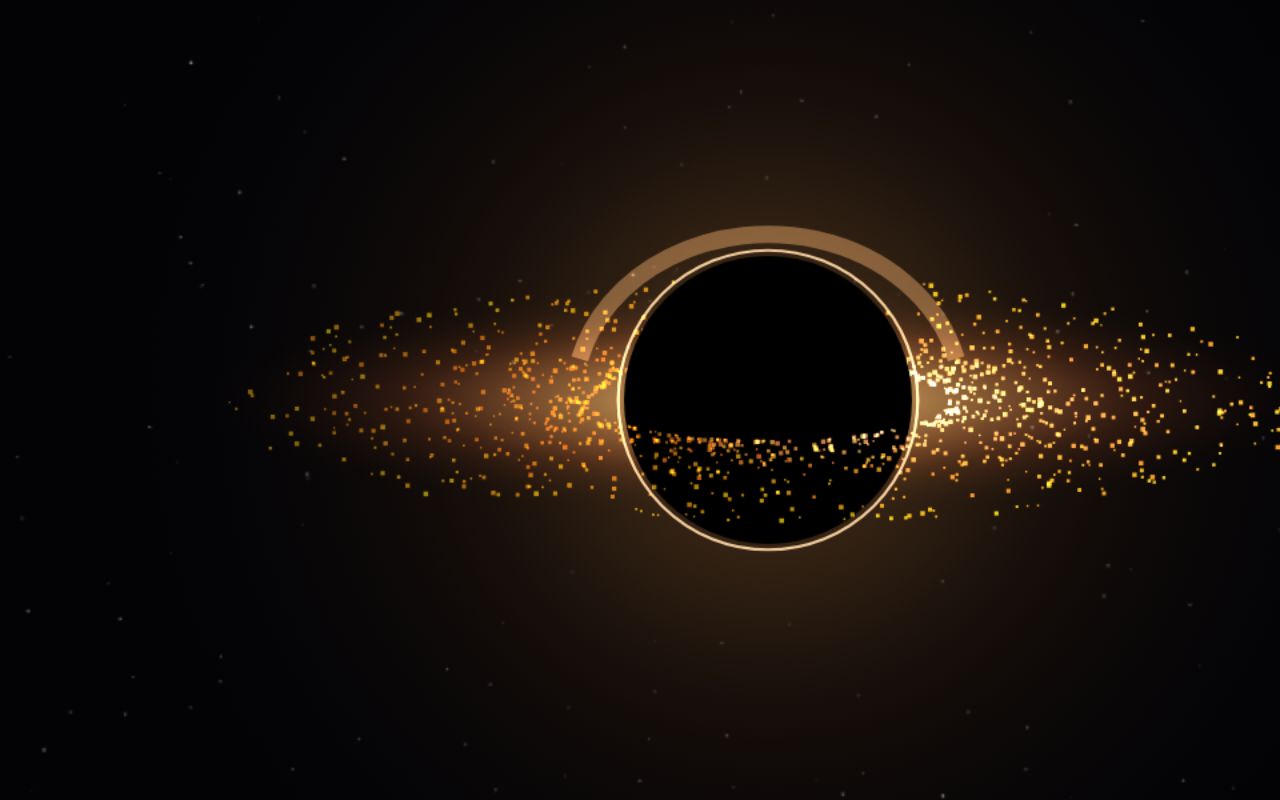
Legendary
Black Hole
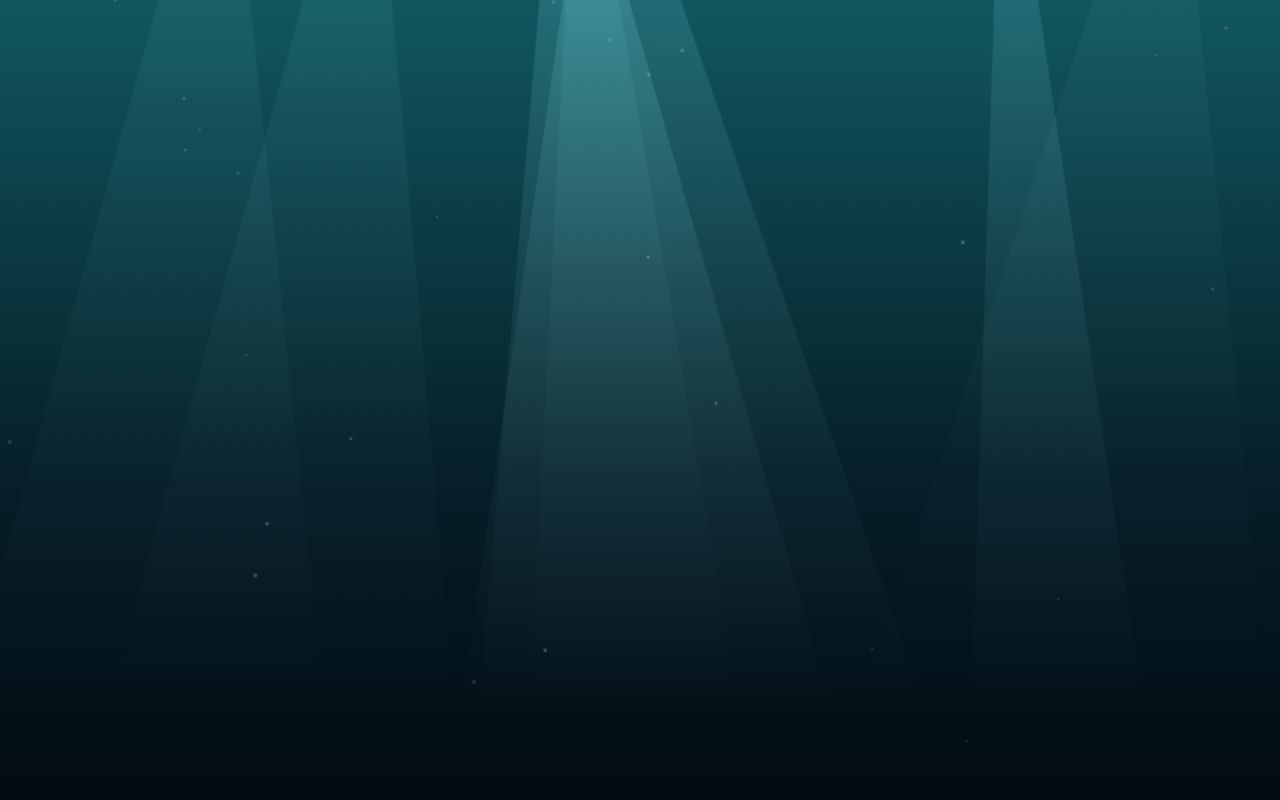
Common
Ocean
Rare
Waves
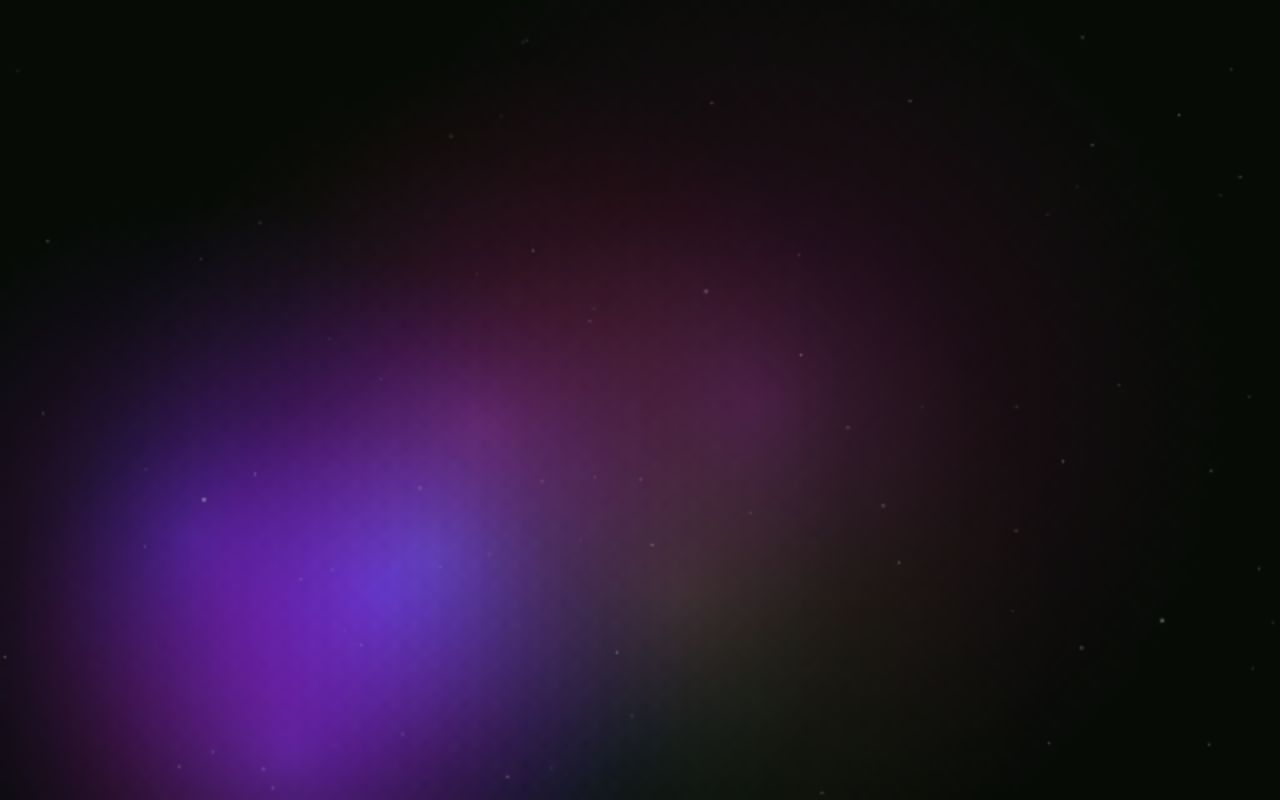
Rare
Nebula
Common
Bokeh
Common
Ocean
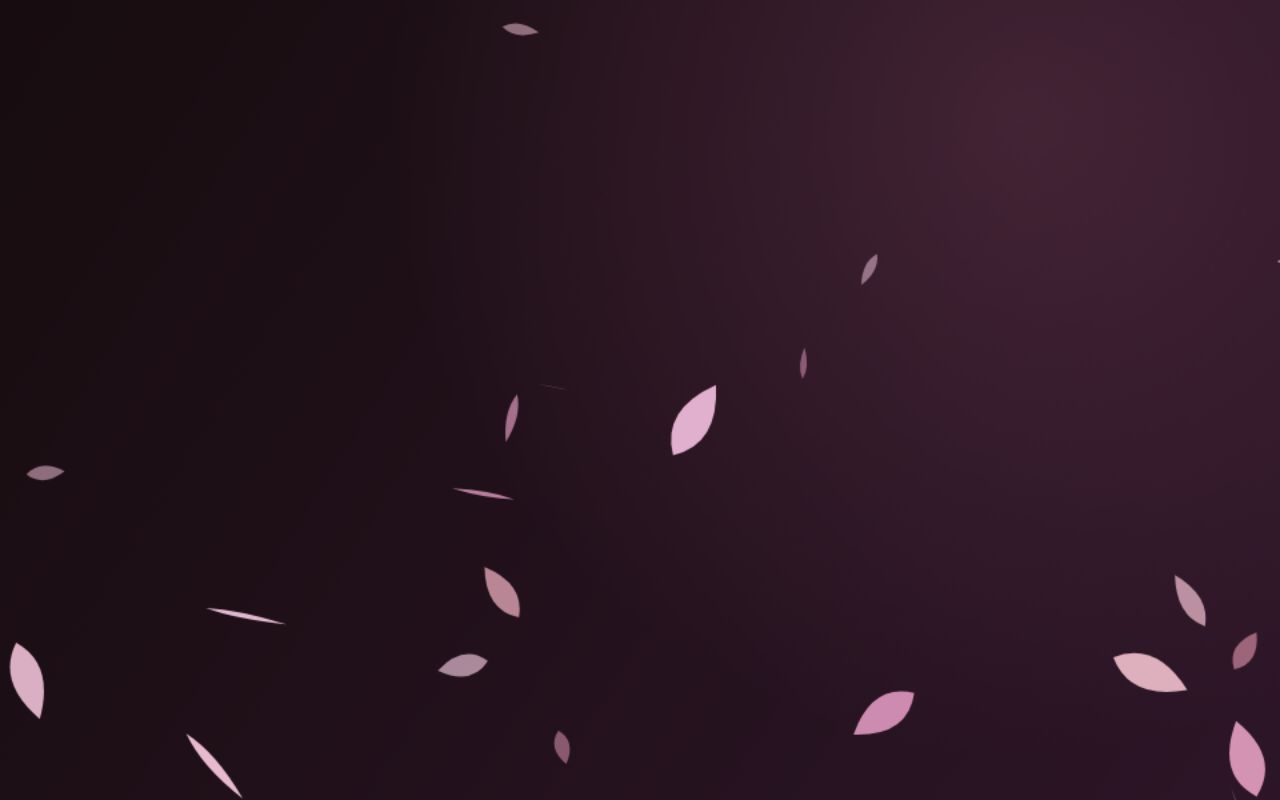
Common
Sakura
Rare
Nebula
Common
Bokeh
Common
Ocean
Common
Dusk
Common
Sakura
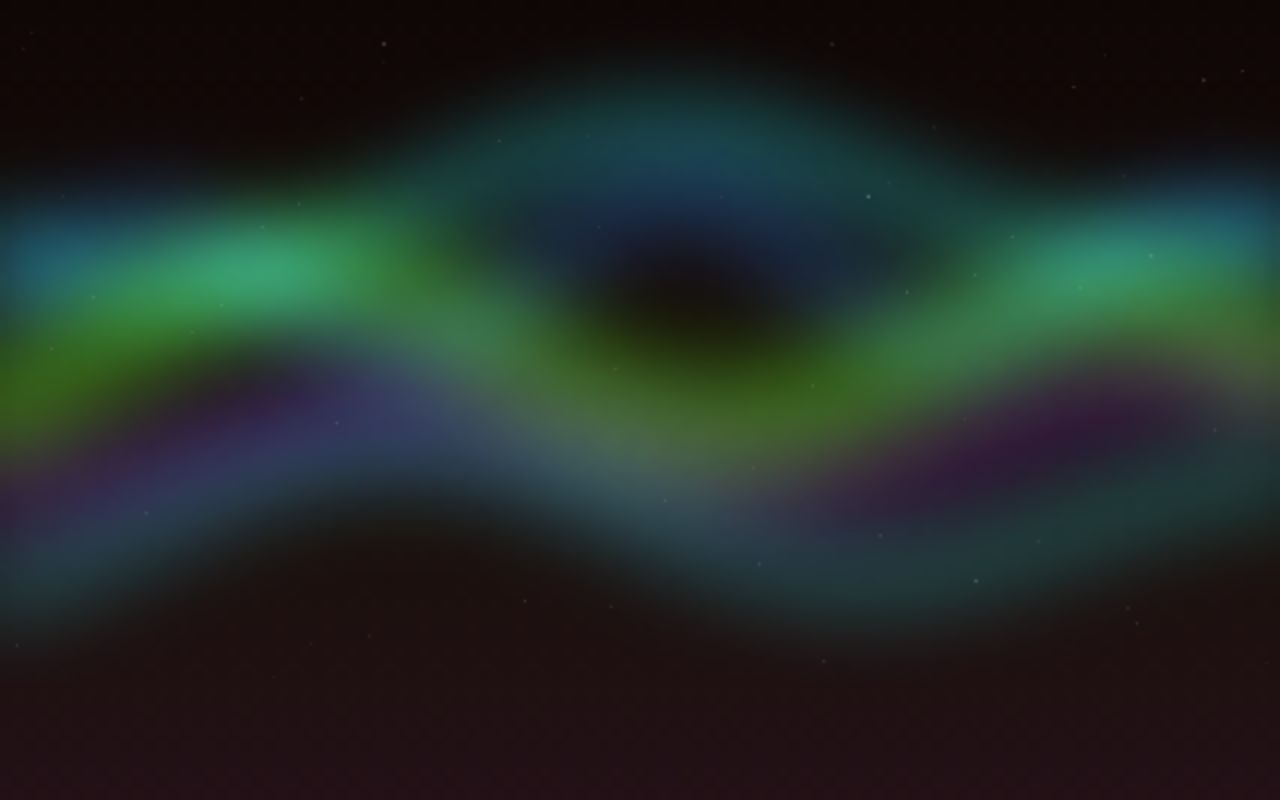
Rare
Aurora
Rare
Waves
Common
Ocean
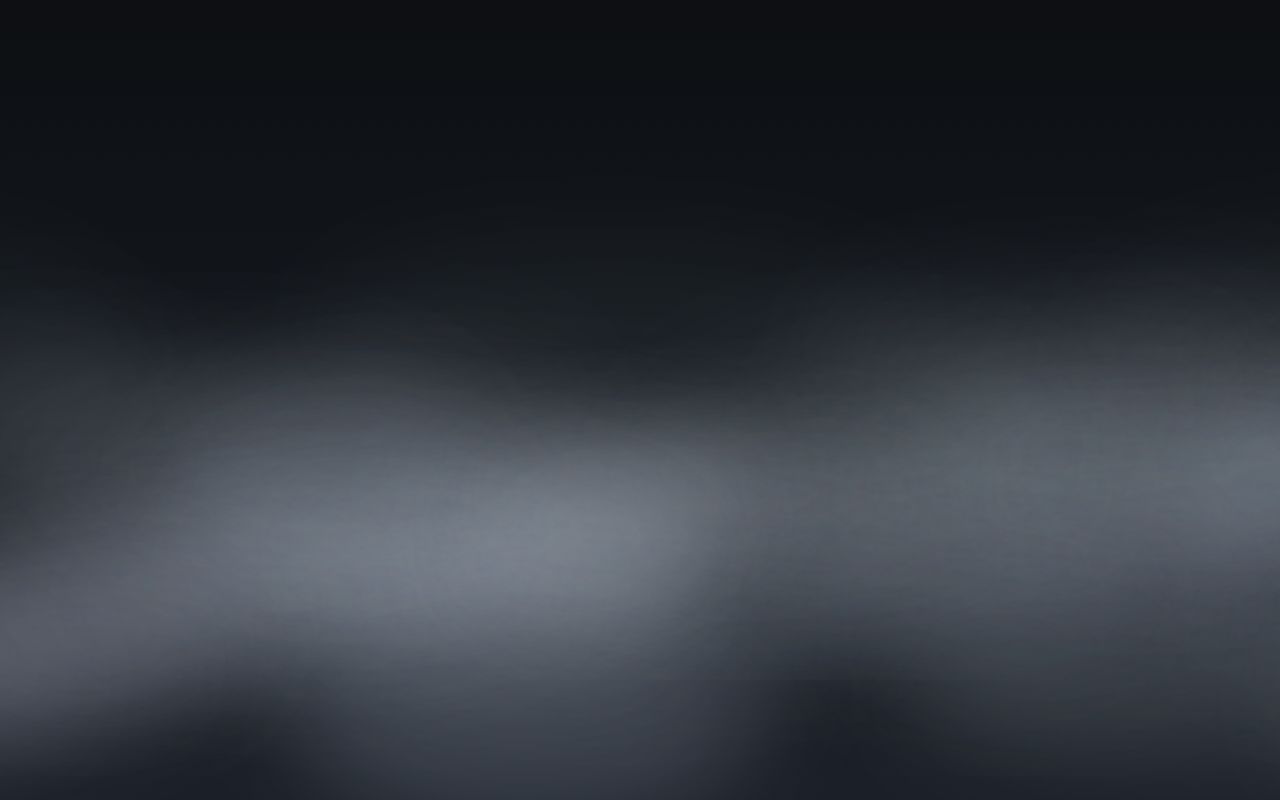
Common
Fog
Common
Sakura
Common
Dusk
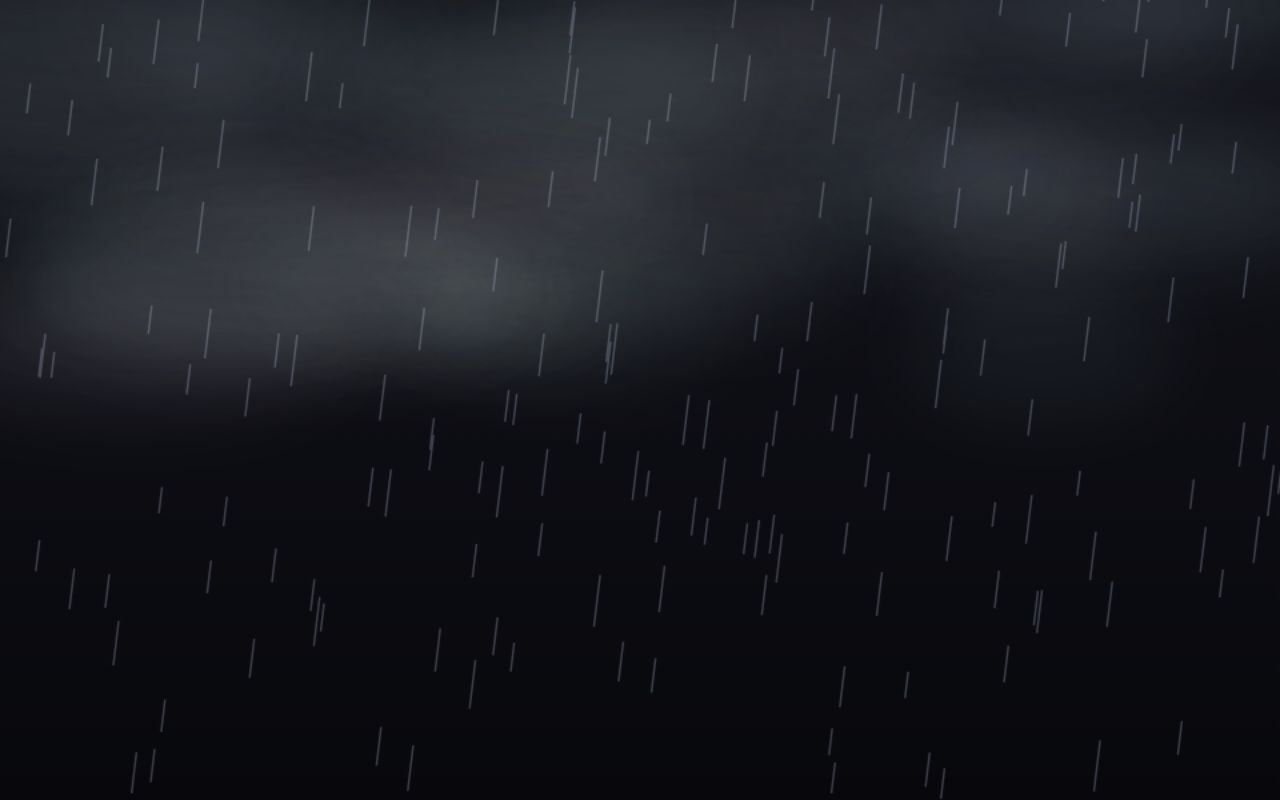
Epic
Thunder
Common
Bokeh
Common
Dusk
Common
Bokeh
Common
Ocean
Common
Ocean
Common
Dusk
Rare
Waves
Common
Ocean
Rare
Waves
Common
Ocean
Rare
Waves
Common
Ocean
Rare
Waves
Common
Bokeh
Common
Fog
Epic
Thunder
Common
Dusk
Common
Bokeh
Rare
Aurora
Common
Sakura
Common
Fog
Common
Fog
Rare
Aurora
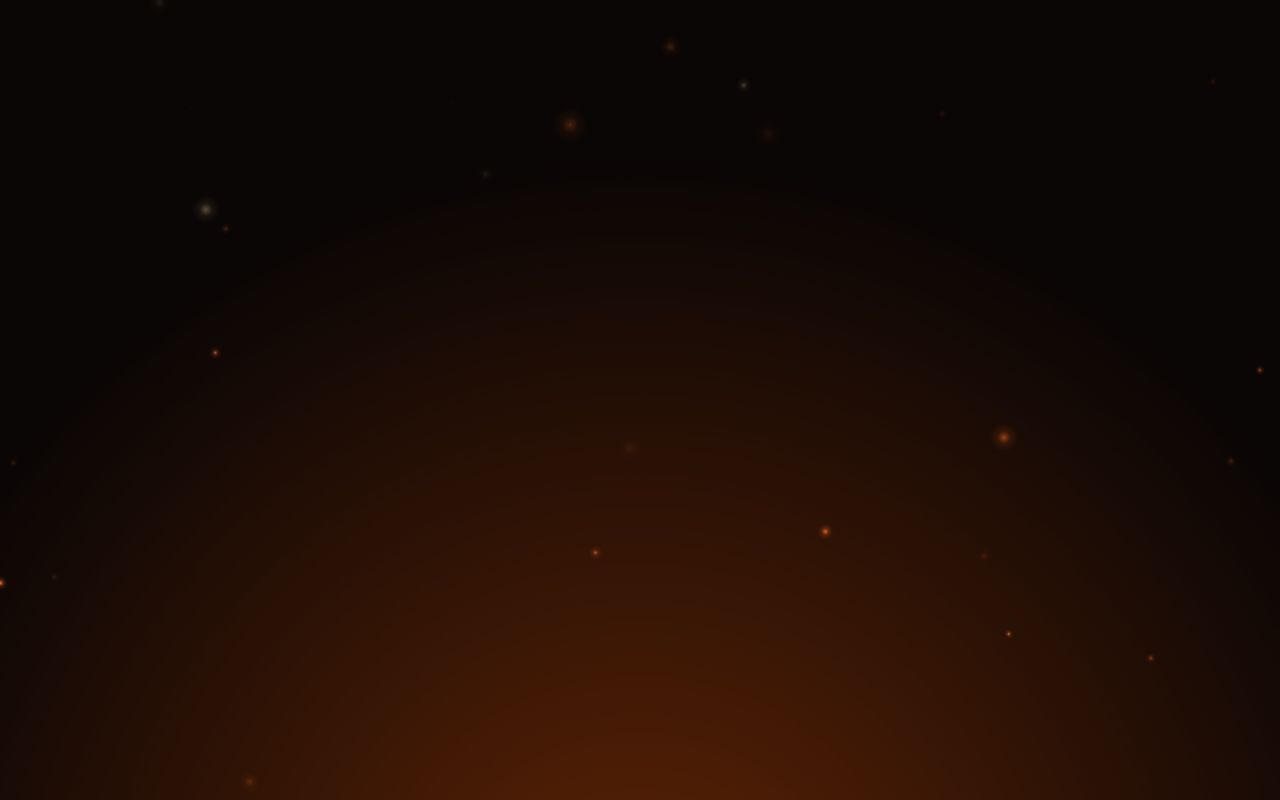
Epic
Embers
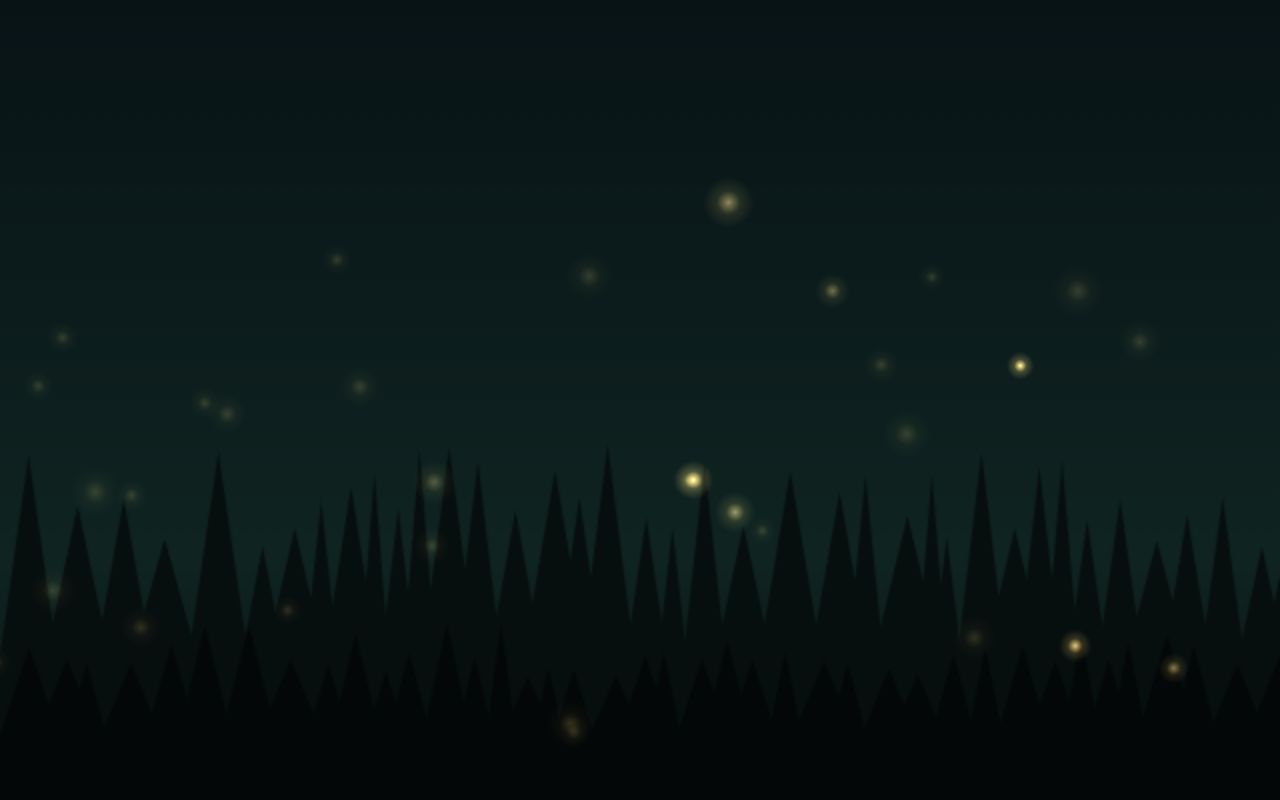
Rare
Fireflies
Common
Fog
Common
Fog
Common
Fog
Common
Sakura
Rare
Waves
Odds: Common 60% · Rare 27% · Epic 10% · Legendary 3%. Never a duplicate. Free, no purchase, no paid spins.
03 — The collection
21 skins. Five rarities. New drops every month.
Starters are free on install. The rest drop from the daily case, or all unlock with Pro. Hover a card to bring it to life; click to equip it on the chart.
04 — Tune it
Loud when you're flat.
Quiet when you're in a trade.
⌥⇧B toggles it on any chart. Motion pauses itself in background tabs.
- 30 fps
- default frame cap, easy on battery
- 0
- analytics, trackers or ads
- 1 key
- Alt+Shift+B, on and off
- 100%
- your original background restored when off
05 — The Workshop
Skins made by traders,
for traders.
Pro members upload their own loops. Every one is reviewed by a human before it goes live, then anyone with Pro can put it behind their candles in one click.
Opening night
The first shelf is empty.
Claim it.
Got a calm loop that makes your chart feel like home? Pro members can submit it. Once it passes review, it lands here with your name on it.
06 — Pricing
Cheaper than
one bad entry.
Standard crate
$0
Free forever
- 5 starter skins, yours on install
- A free daily case: collect the other 16 for keeps
- Every look control: Dim, Blur, Strength, Speed
- 30-second Inspect on anything locked
- Small ChartSkins watermark
Holo case · Pro
$3.25
/ month, billed $39 yearly
Cancel anytime. 7-day money-back on your first purchase.
- All 21 skins today, no grinding
- Every new monthly drop
- Your own videos, GIFs & images
- Every Workshop skin + uploads
- No watermark
Secure checkout by Whop. Your license key appears on your Whop orders page.
07 — Questions
Asked &
answered.
01Does it change my charts, data or trades?
No. ChartSkins only changes how the chart background looks, inside your own browser. It never reads your symbols, layouts, orders or account, and it never places anything.
02Will I still be able to read my chart?
Yes. Skins sit behind the candles, not on top. Dim, Blur and Strength push a busy skin back, and Alt+Shift+B turns it off instantly.
03Which browsers work?
Chrome, plus Chromium browsers that install from the Chrome Web Store: Brave, Edge, Arc, Opera and Opera GX. It works on tradingview.com charts, including multi-chart layouts.
04Does it slow TradingView down?
Skins run at 30 fps by default and pause automatically when the tab is in the background. On most laptops you won’t notice it. Bump it to 60 fps if you want it buttery.
05What happens to my background when I turn it off?
ChartSkins saves your original chart background before it changes anything, and puts it back the moment you switch it off.
06How does the daily case work?
Free members open one case every 20 hours from the extension. The skin you pull is yours for good, and you never get a duplicate. Odds: Common 60%, Rare 27%, Epic 10%, Legendary 3%. There is nothing to buy: no paid spins, ever.
07How does Pro work?
Buy on Whop, copy the license key from your Whop orders page, paste it into the ChartSkins Locker. One key works on one computer at a time. Switching computers? Reset the key on Whop.
08Can I use my own videos?
With Pro, yes: MP4, WebM, MOV, GIF, PNG, JPG. They stay on your computer and are never uploaded, unless you choose to submit one to the Workshop.
09Is this made by TradingView?
No. ChartSkins is an independent product and isn’t affiliated with or endorsed by TradingView. It’s also not financial advice. It’s a skin.
Your chart
is waiting.
Chrome Web Store
ChartSkins is in review with the Chrome Web Store. Grab Pro now on Whop and you'll be first in when it lands.
See Pro