Use it on TopstepX, TradeSea, Axiom & more
4 steps · about 2 min
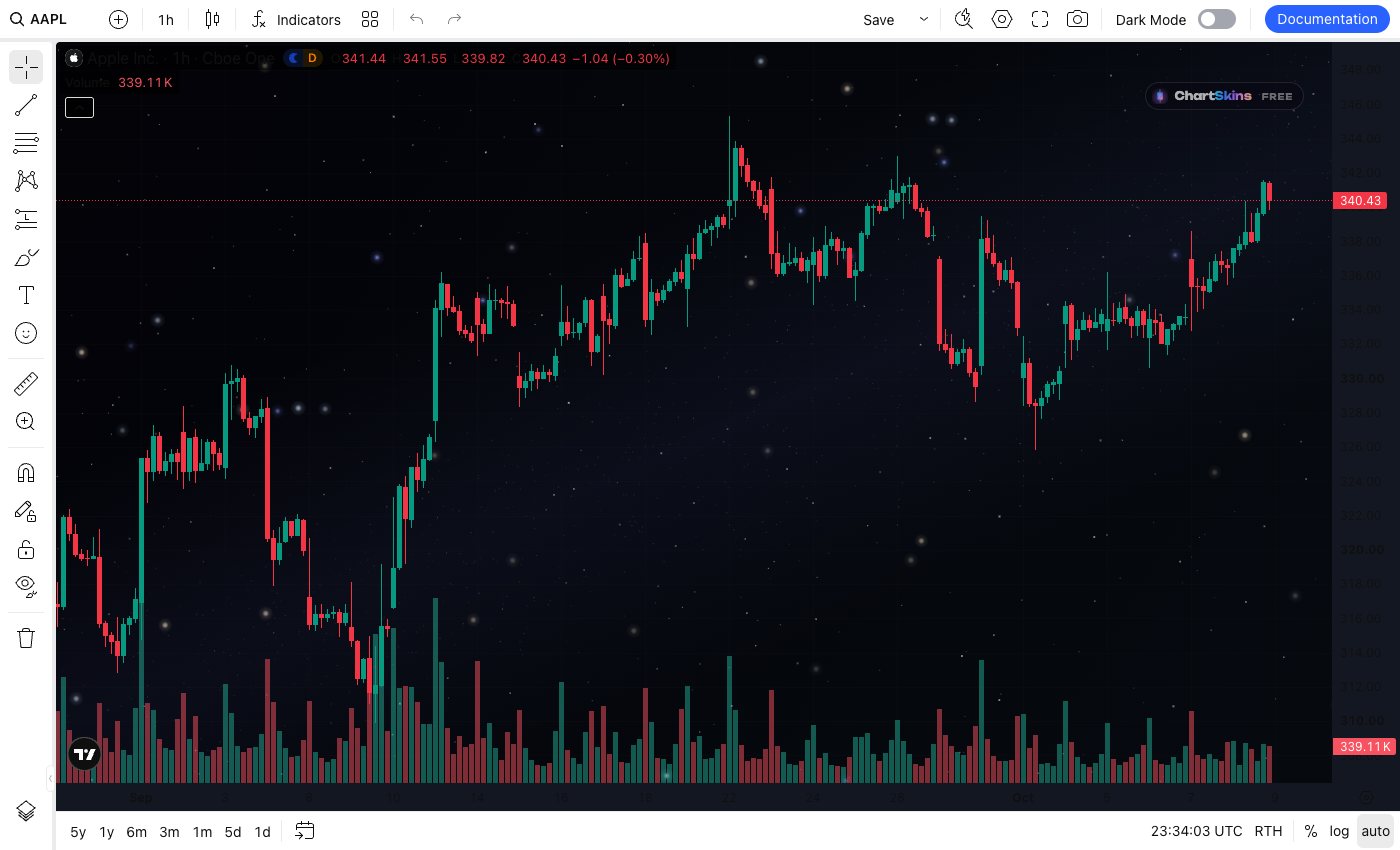
Lots of trading sites use TradingView’s charts inside their own site: TopstepX, TradeSea, AlphaTrader, Axiom, Photon, GMGN, DexScreener and many more. ChartSkins can work on them (beta). It only changes how the chart looks and never touches your orders or wallet.
- 1
Check the platform’s rules first
Some prop firms don’t allow browser extensions on funded or evaluation accounts. Check yours before turning it on. You use it at your own risk.
- 2
Open the site with a chart
Go to the trading site and open a page with a chart.
- 3
Click ChartSkins → Turn on here
Click the ChartSkins icon. At the top you’ll see Turn on here. Click it and allow access for that site only when your browser asks. Don’t see it (some browsers like Opera GX hide the page address)? Type the site, like topstepx.com, in the box the popup shows and click Turn on.
- 4
That’s it
Your skin appears behind that site’s chart, and it remembers the site next time.
Good to know
- • Not working on a site? Click Copy details in the popup and send it to us in the Discord #help channel.
- • To turn it off for a site, open the popup there and click Remove.