Pro, your account & devices
4 steps · about 2 min
- 1
Get Pro
On chartskins.com, Pricing → Get Pro. Buy on Whop with the same email as your ChartSkins account and Pro turns on by itself everywhere.
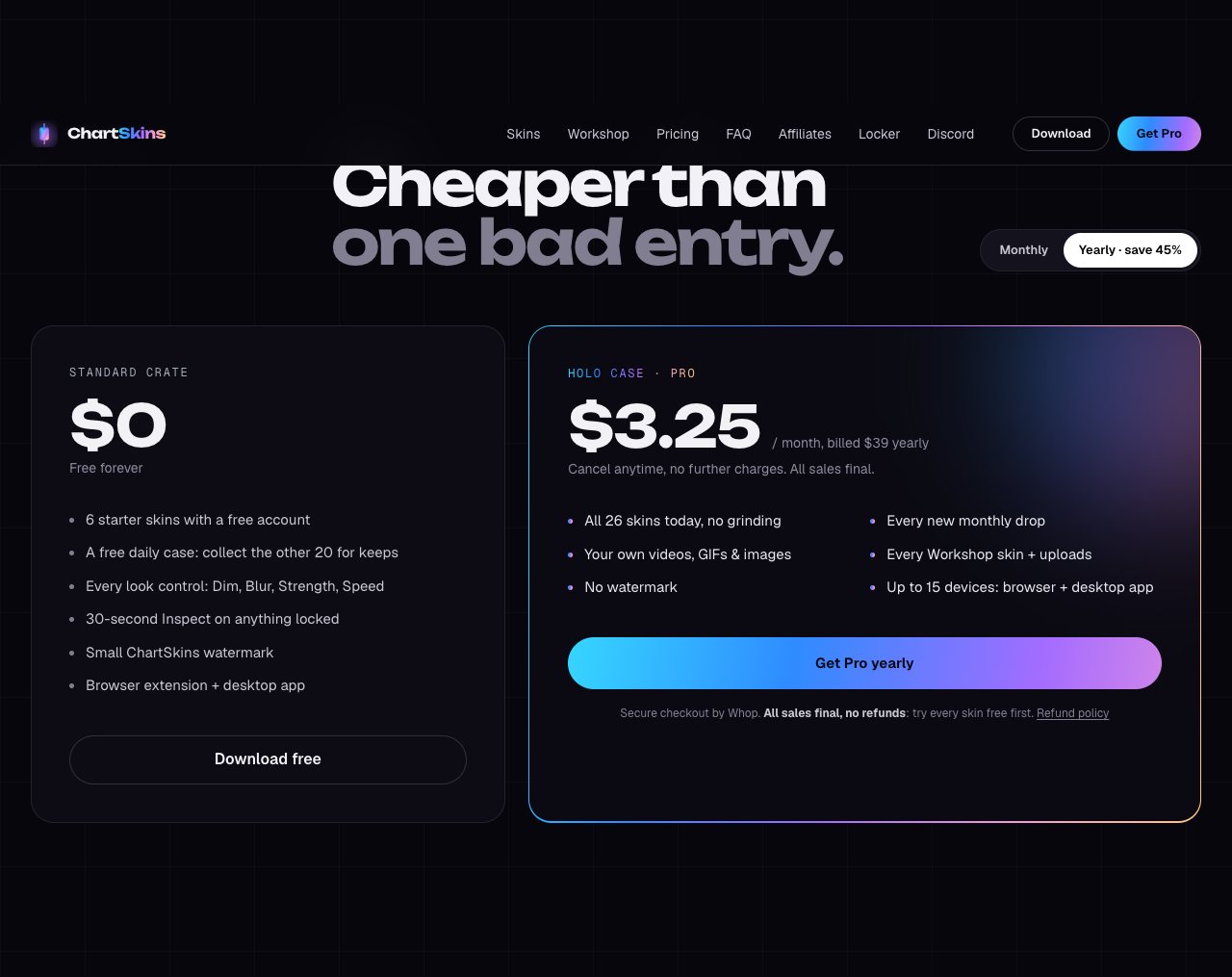
- 2
Used a different email?
Open your Locker → Plan & computers and paste the license key from your Whop orders page into Claim your Pro key.
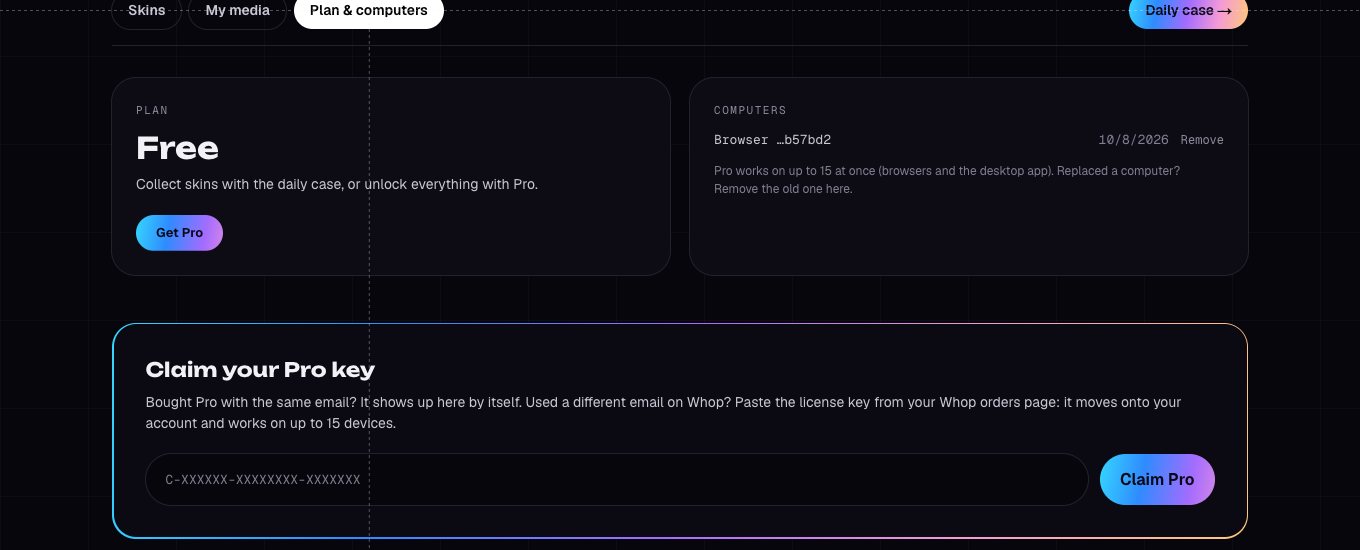
- 3
Up to 15 devices
Pro works on up to 15 browsers and desktop apps at once. Old ones you don’t use anymore get swapped out automatically.
- 4
Get Pro free
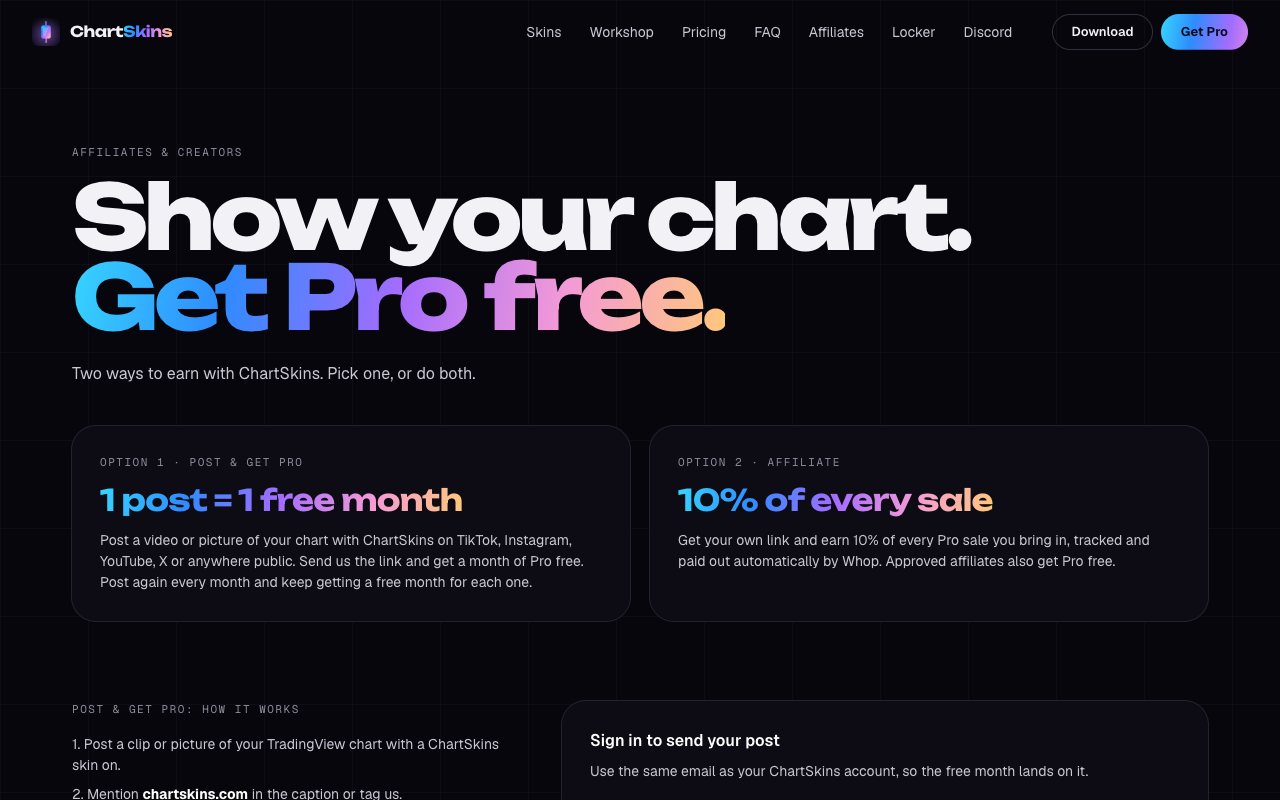
Post your chart with ChartSkins and get a free month for each post, or join the affiliate program: chartskins.com/affiliates. We also run Pro giveaways in the Discord.
Good to know
- • All purchases are final. Try every skin first with the free skins and the 30-second Inspect.
Still stuck? Ask in our Discord
Next: Updating ChartSkins →