Your own wallpaper or the Workshop?
3 steps · about 1 min · 4 questions
This trips a lot of people up, so straight to it: My media is for putting your own file on your own chart. It works instantly, stays private and never gets reviewed. The Workshop is for sharing a loop with every other ChartSkins user. Most people want the first one.
- 1
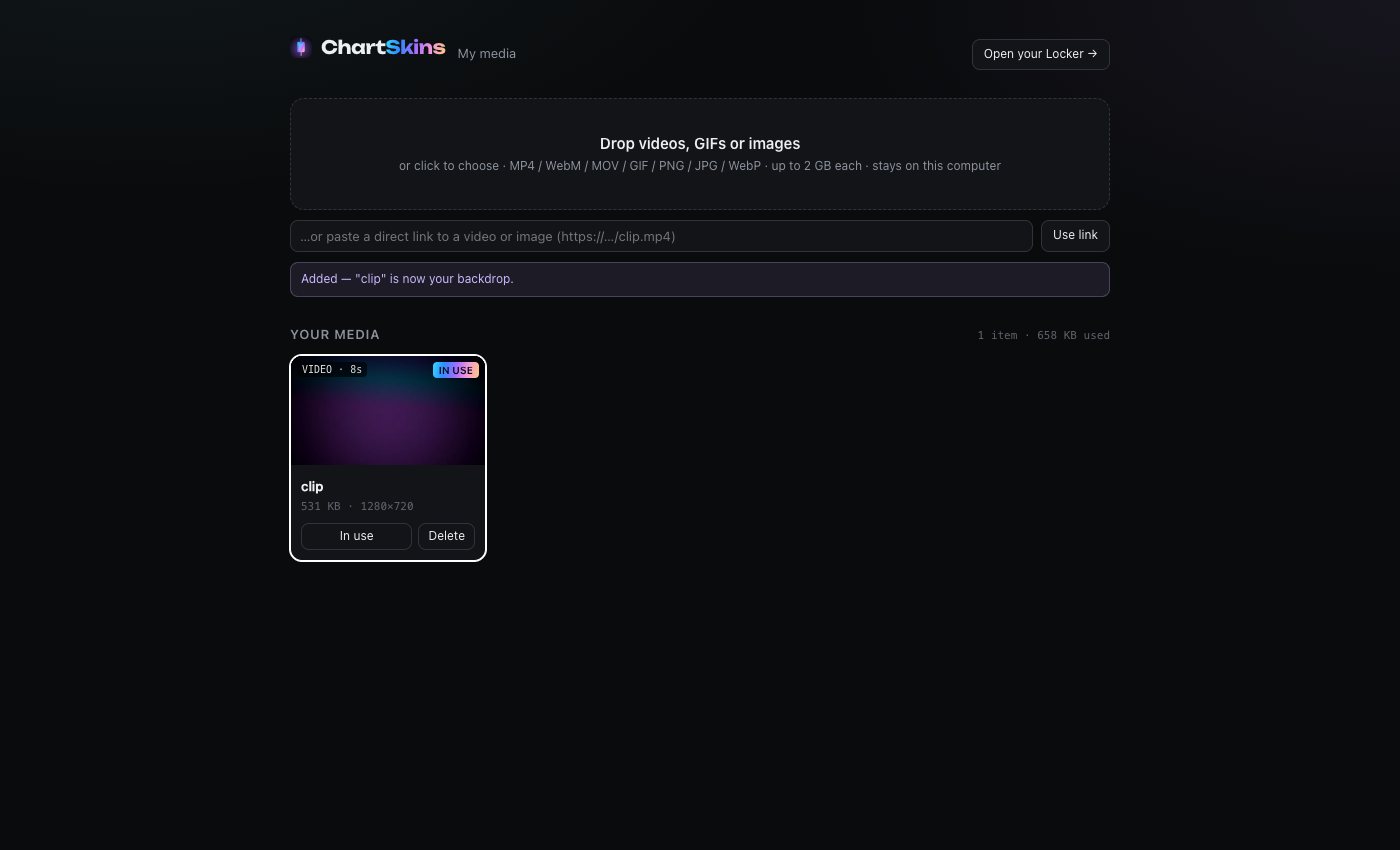
Just want it on your chart? Use My media
Open the ChartSkins popup (or the desktop app) → My media → drop in any video, GIF or picture. It’s behind your candles the same second. Nothing is uploaded, nobody reviews it, no rules about what it can be. Pro feature. Full steps: Add your own wallpapers.
- 2
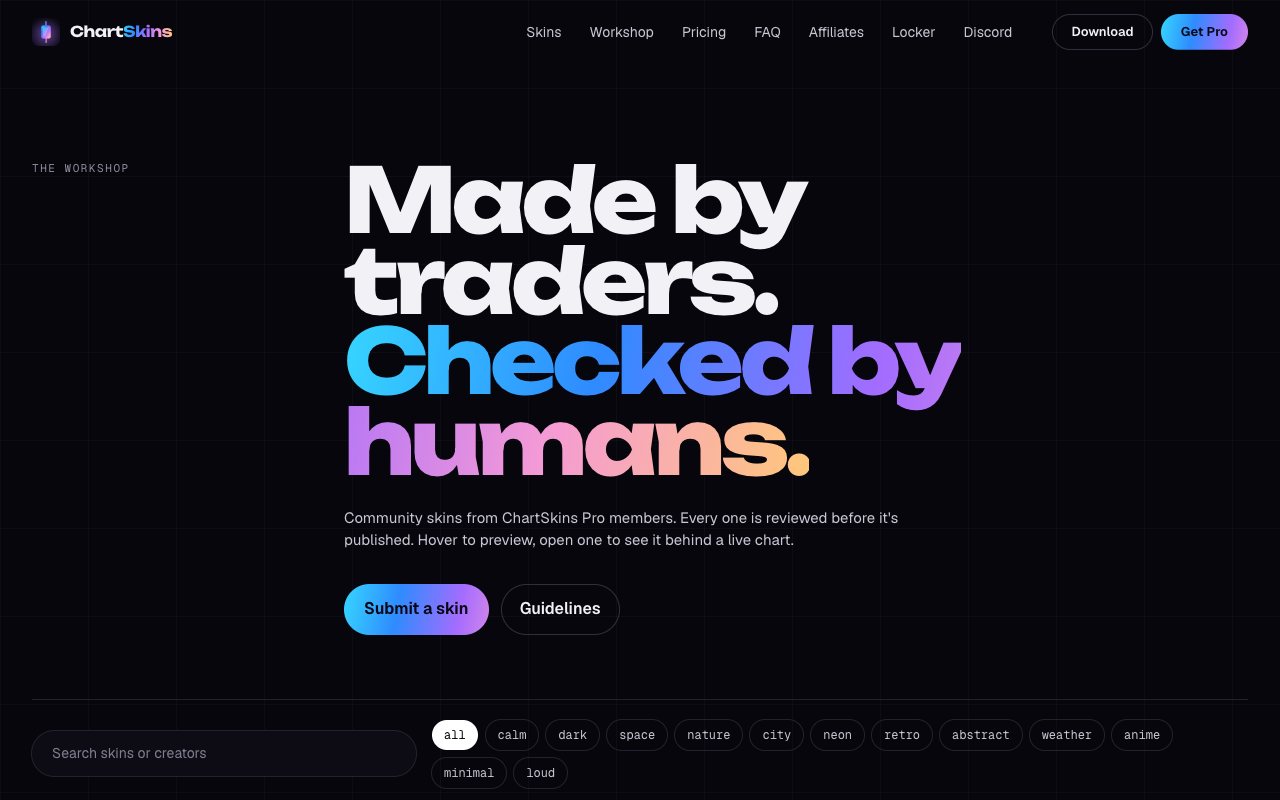
Want everyone to be able to use it? Submit to the Workshop
Go to chartskins.com/workshop/submit. A person checks it (usually within a day), then it’s published under your creator handle and anyone with Pro can put it on their chart. This is for loops you made or own the rights to, that look good behind any chart.
- 3
You can do both
Add the file to My media so you have it right now, and submit it to the Workshop as well if you want to share it. Submitting doesn’t put it on your own chart; My media does.
Common questions
I submitted my wallpaper and it got rejected. How do I use it?
Add it to My media. Rejections only mean it isn’t a fit for the public Workshop (copyright, too bright, contains text, and so on). None of that matters for your own chart.
Do I have to wait for a review to use my own image?
No. My media is instant. Only Workshop submissions are reviewed.
Is My media free?
Your own media is part of Pro. The 6 free skins and the daily case are free.
Can anyone see what I put in My media?
No. The files stay on your computer and are never uploaded.
Related