Getting started
3 steps · about 2 min
ChartSkins puts animated scenes, videos and pictures behind the candles on your TradingView chart. It only changes how the chart looks: it never touches your orders, positions or account.
- 1
Make a free account
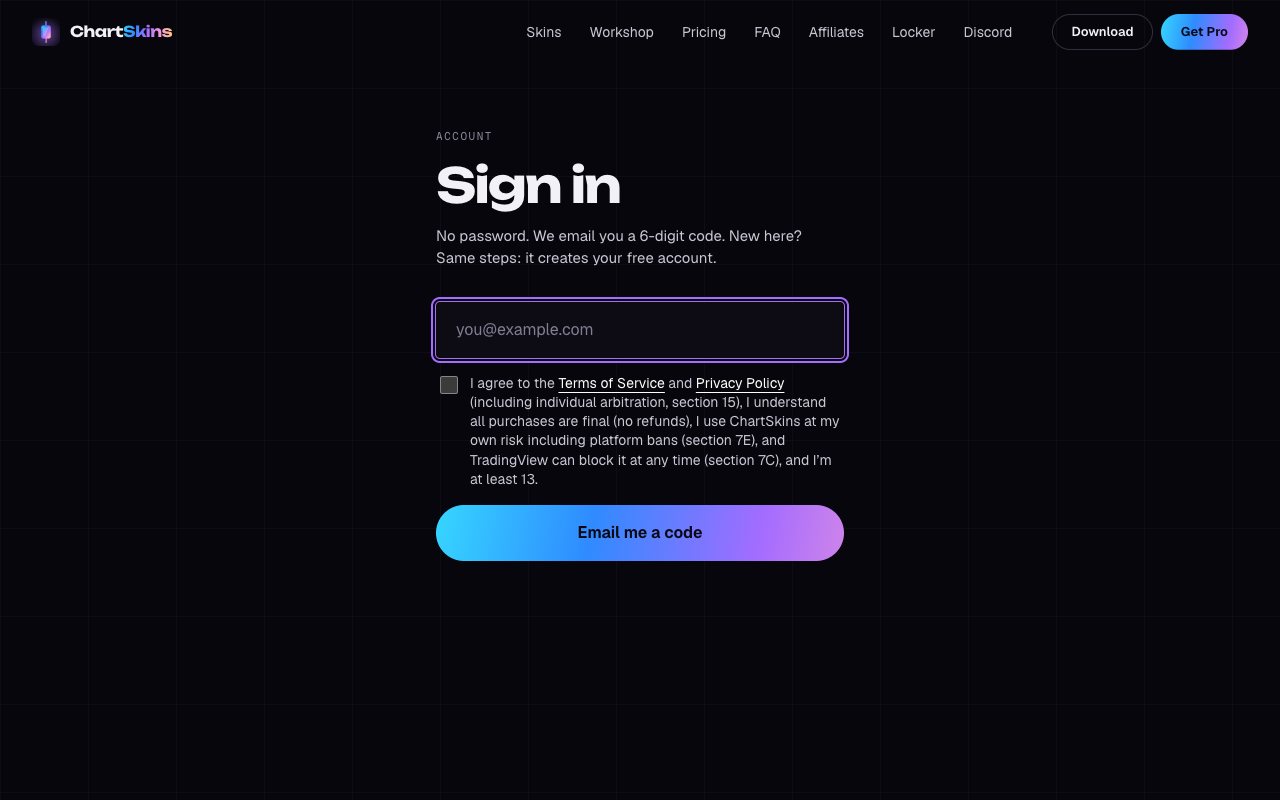
Go to chartskins.com/login, type your email and enter the 6-digit code we send you. No password needed. Tick the box to agree to the Terms the first time.
- 2
Pick the right version
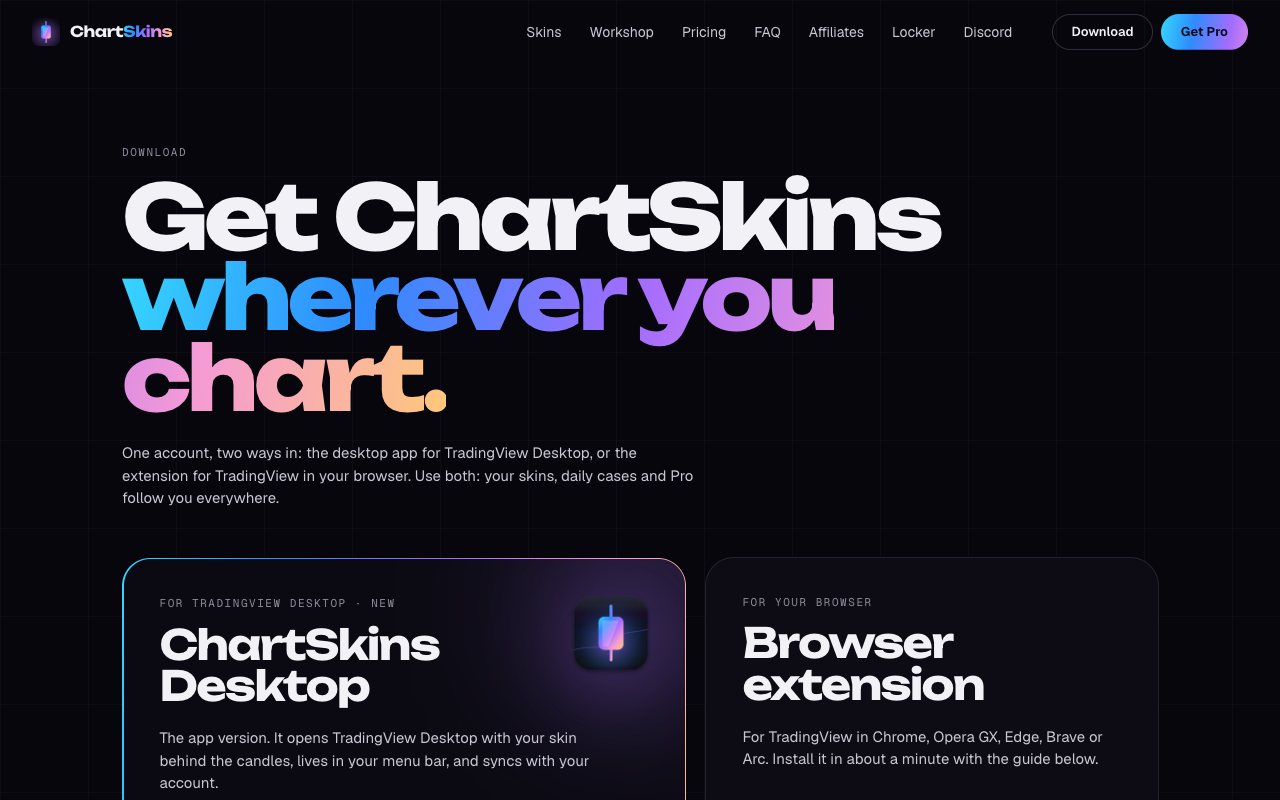
Use TradingView in your browser (Chrome, Edge, Brave, Opera, Arc)? Get the browser extension. Use the TradingView Desktop app on Mac or Windows? Get the desktop app. Both work with the same account, and you can use both.
- 3
Follow the install guide
Next: Install the browser extension or Install the desktop app (links below). It takes about 2 minutes.
Good to know
- • 6 skins are free forever. Open the free daily case to collect the other 20, or get Pro to unlock everything right away.