Live backgrounds for TradingView
Skin yourcharts.
Animated skins, videos and GIFs that live behind your candles, not on top of them. Your levels stay crisp. Your chart finally looks like yours.
Browser extension · TradingView Desktop for Mac & Windows · Safari on iPhone, iPad & Mac · Trading platforms built on TradingView charts (beta)
01 — Under the candles
Behind your price action.
Never on top of it.
ChartSkins makes TradingView's own chart background transparent and slides your skin underneath, so wicks, levels and labels draw on top exactly like before.
Turn it off and your original background comes straight back. Dim, Blur and Opacity keep busy skins quiet when the tape gets fast.
02 — The collection
45 skins. Five rarities. New drops every month.
Every one of them is free with a free account. Rarity is how layered the scene is, not a lock. Hover a card to bring it to life; click to equip it on the chart.
03 — Tune it
Loud when you're flat.
Quiet when you're in a trade.
⌥⇧B toggles it on any chart. Motion pauses itself in background tabs.
- 3 modes
- Performance, Balanced or Max: your call on CPU vs. smoothness
- 0
- trackers or ads, ever
- 1 key
- Alt+Shift+B, on and off
- 100%
- your original background restored when off
04 — The Workshop
Skins made by traders,
for traders.
Pro members share their loops here. Every one is reviewed by a human before it goes live, then anyone with Pro can put it behind their candles in one click.
Just want your file on your chart? That's My media, not the Workshop: instant and private. Use your own file →


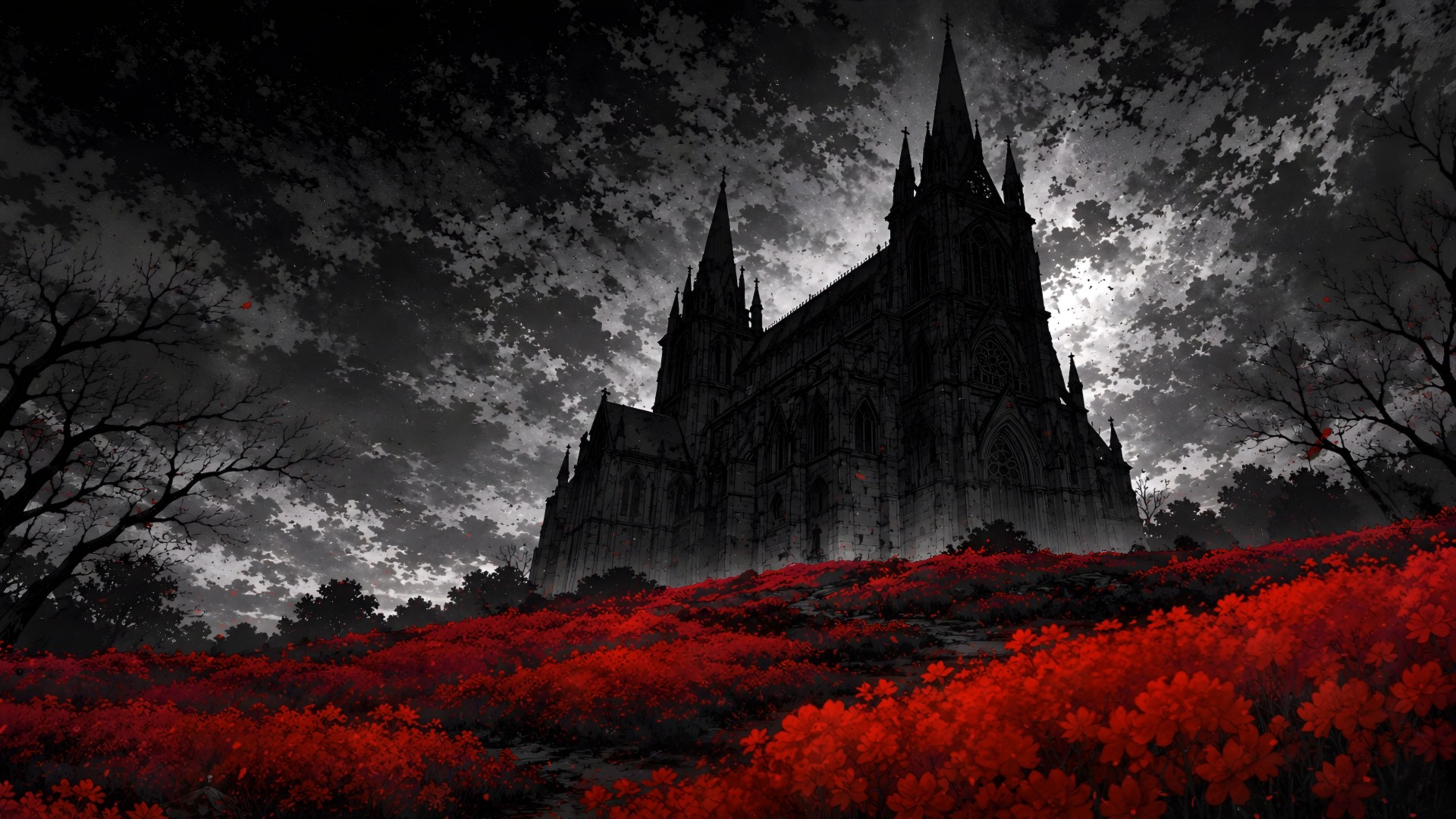
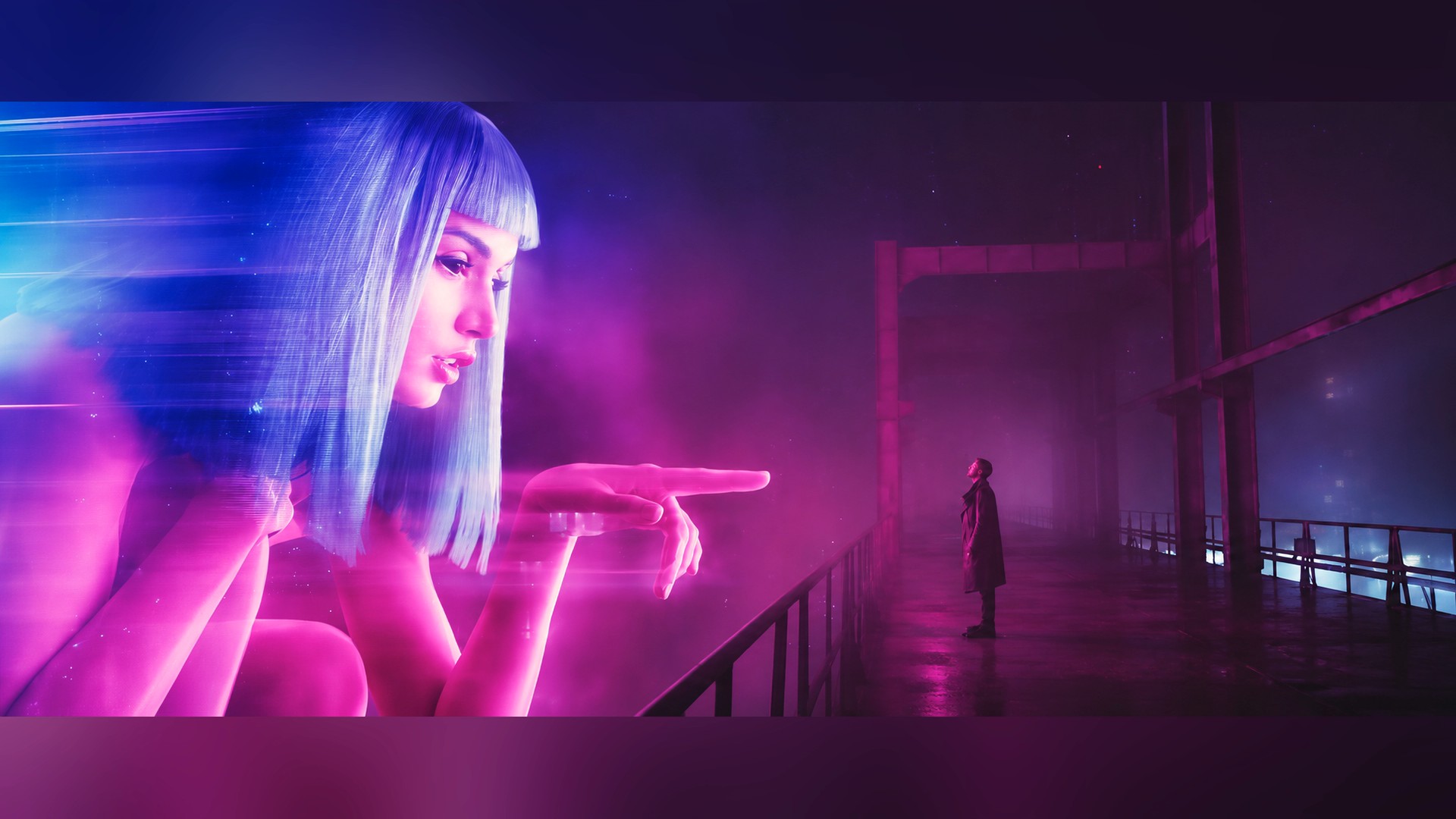
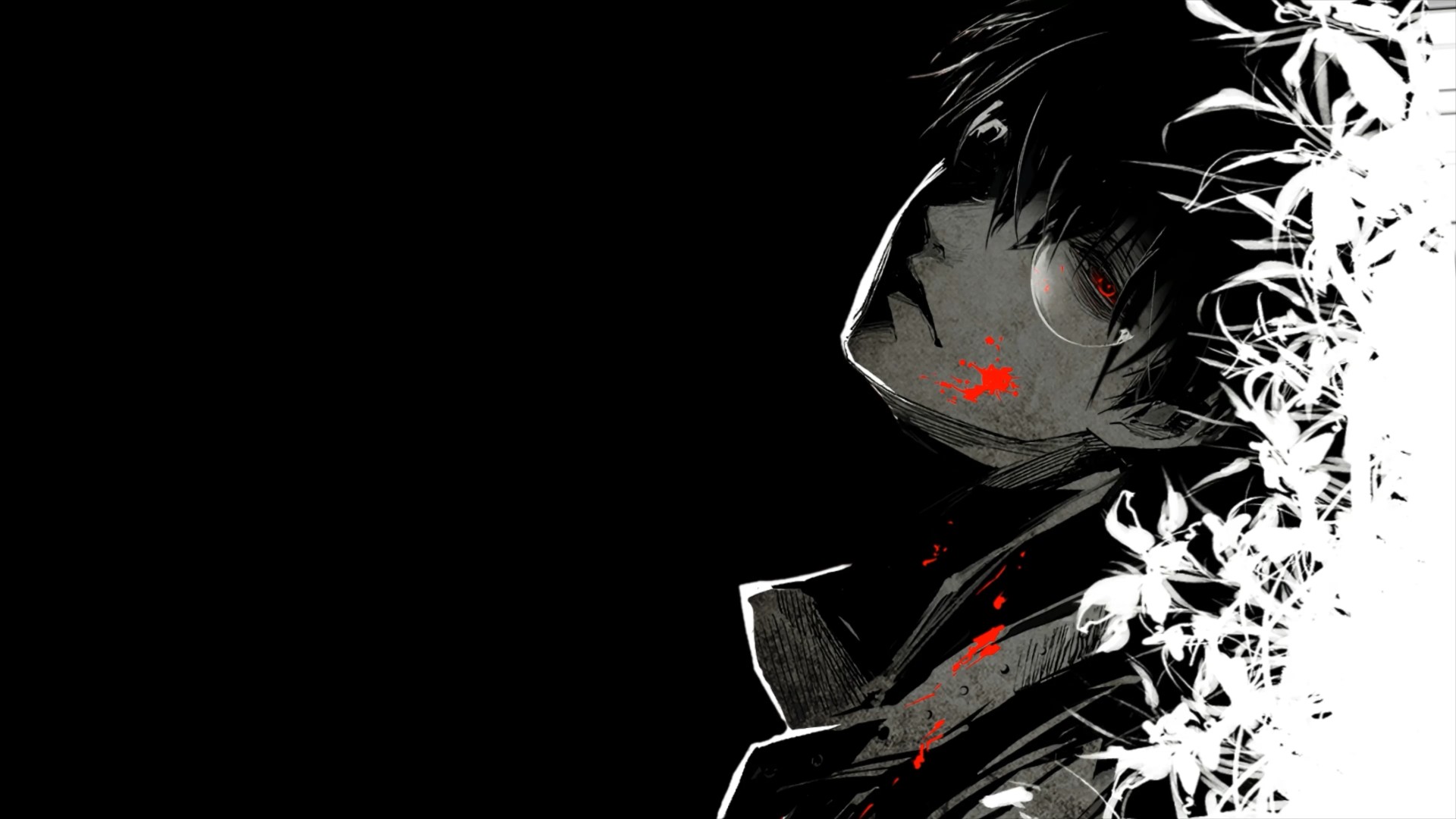
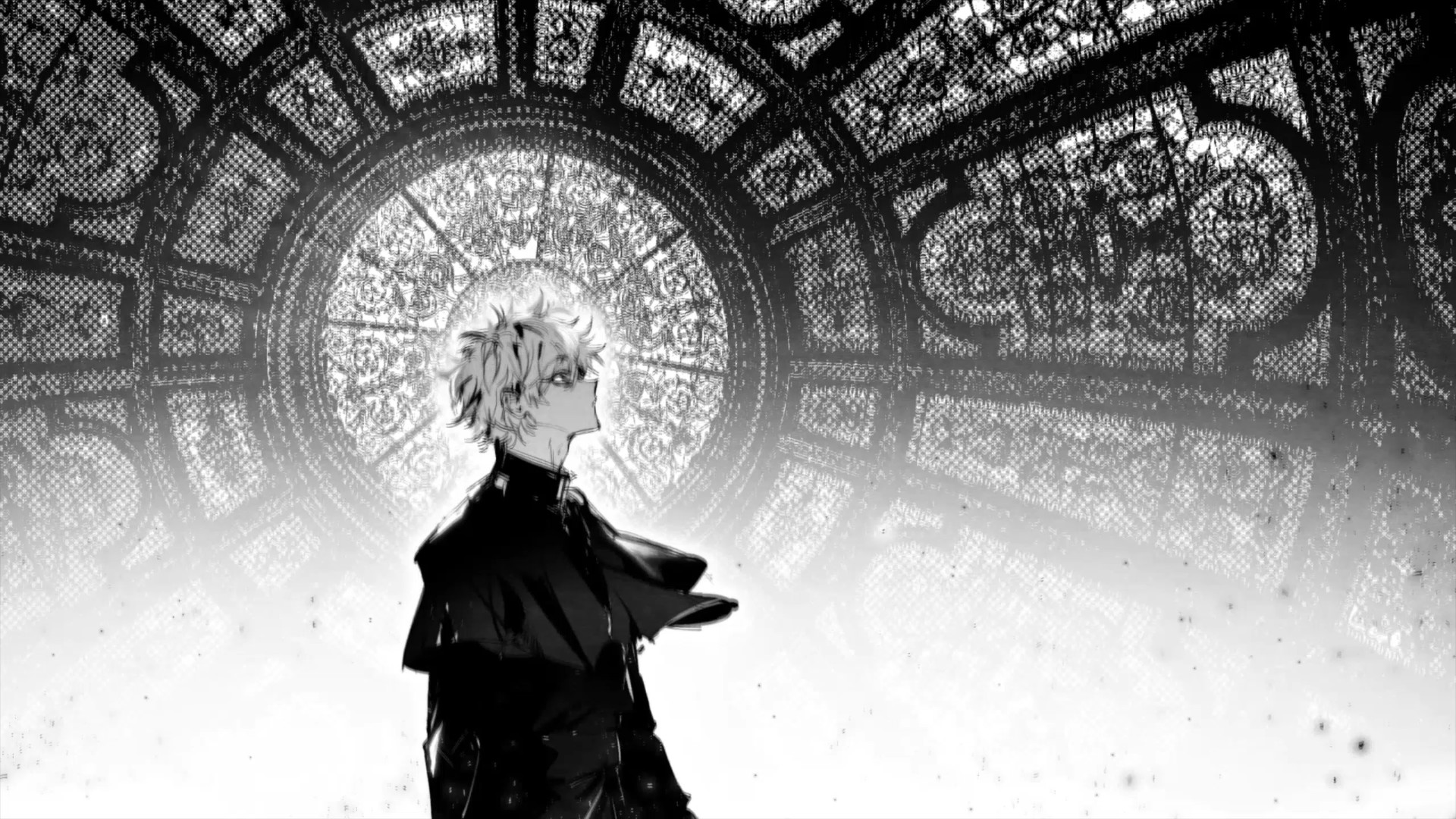
05 — Pricing
Cheaper than
one bad entry.
Free
$0
Free forever
- Every built-in skin, free with a free account
- Candle colours: 40+ sets, some that shift · Neon, Prism and Sparks looks · candle glow
- Skins that react to the market (green up, red down)
- A skin per chart symbol, or one per trading session
- Hue: recolour any skin
- Loadouts: share and equip whole looks
- Skin Builder (3 skins) · one picture of your own
- Share your own loops in the Workshop (your uploads stay free for you)
- Every look control: Dim, Blur, Opacity, Tint, Speed
- 30-second try of any Workshop skin
- Small ChartSkins watermark
- Browser extension, desktop app, iPhone & iPad
Pro
$3.25
/ month, billed $39 yearly
Cancel anytime, no further charges. All sales final.
- Skins that react to your open trade’s P&L
- Every Workshop skin, by every creator
- Your own videos, GIFs & images behind the candles
- Skin Builder: 20 skins
- Chart colour palettes you can publish
- No watermark
- Up to 15 devices: browser, desktop, iPhone & iPad
- Everything in Free
Secure checkout by Whop. All sales final, no refunds: try every skin free first. Refund policy
06 — Questions
Asked &
answered.
01Does it change my charts, data or trades?
No. ChartSkins only changes how the chart background looks, on your own computer. It never reads your symbols, orders or account, and it never places anything.
02Will I still be able to read my chart?
Yes. Skins sit behind the candles, not on top. Dim, Blur and Opacity push a busy skin back, and Alt+Shift+B turns it off instantly.
03Where does it work?
TradingView in your browser (Chrome, Brave, Edge, Arc, Opera and Opera GX) with the extension; TradingView Desktop on Mac and Windows with the ChartSkins app; and Safari on Mac, iPhone and iPad with ChartSkins from the App Store. Multi-chart layouts included. One account covers all of them.
04Does it work on my phone?
Yes, on iPhone and iPad: get ChartSkins from the App Store, turn the extension on in Safari, open tradingview.com in Safari. Every skin is free there too, and your account and Pro carry over. TradingView’s own phone app can’t run extensions, so it has to be Safari.
05How does the desktop app work?
Install ChartSkins, sign in, and it opens TradingView Desktop with your skin behind the candles. Turn on “Launch with TradingView” and it comes along whenever you open TradingView. It lives in your menu bar and updates itself.
06Does it slow TradingView down?
Skins pause automatically when the tab is in the background, and they watch themselves: if your computer starts dropping frames, the skin steps down to a lighter copy or 30 fps by itself. The Quality setting has three modes: Performance (lightest), Balanced (sharp for your chart’s size, the default) and Max (the original file, every frame your screen can show). On most computers you won’t notice it.
+11More questions
07What happens to my background when I turn it off?
ChartSkins saves your original chart background before it changes anything, and puts it back the moment you switch it off.
08Which skins are free?
All of them. Every built-in skin, Common to Legendary, is yours with a free account, on every computer. Pro is for the Workshop, your own videos and pictures, and removing the watermark.
09Does it work on TopstepX and other trading platforms?
On many of them, yes (beta). Lots of brokers, exchanges and prop-firm platforms use TradingView’s charts inside their own site. Open that site, click the ChartSkins icon and hit “Turn on here”. It only changes how the chart looks and never touches your orders. Some firms have rules about browser extensions on funded or evaluation accounts, so check yours first.
10How does Pro work?
Buy on Whop with the same email you use for ChartSkins and Pro shows up on your account by itself. Used a different email? Paste the license key from your Whop orders page under Plan in your Locker. Pro works on up to 15 devices at once, browsers and the desktop app. Cancel any time on Whop.
11Can I use my own videos and pictures?
With Pro, yes: MP4, WebM, MOV, GIF, PNG, JPG. Open My media in the extension or the desktop app and drop the file in: it’s behind your candles instantly. It stays on your computer, is never uploaded and nobody reviews it.
12Do I need to submit to the Workshop to use my own wallpaper?
No. The Workshop is only for sharing a loop with every other ChartSkins user, which is why a person reviews those. For your own chart, use My media: instant and private. Details at chartskins.com/own.
13My TradingView phone app shows a black or blank chart background. Why?
Older ChartSkins versions let TradingView save the see-through background into your synced layout, so your phone (which has no skin behind it) showed it black. That’s fixed: update the extension or desktop app. Then, on your phone, open Chart settings → Canvas → Background and pick your colour once (or change anything on your computer’s chart so the layout saves again).
14My Mac says it can’t open ChartSkins / can’t verify it. What do I do?
Download the current version from chartskins.com/download: since 1.0.40 the Mac app is signed and notarized with Apple, so it opens normally. Only older downloads show that warning. If you want to keep an older one: click Done on the warning, open System Settings → Privacy & Security, scroll to “ChartSkins was blocked” and click Open Anyway.
15Can I get Pro for free?
Yes. Post a video of your chart with ChartSkins on TikTok, Instagram, YouTube, X or anywhere public, send us the link at chartskins.com/affiliates, and get a month of Pro free (one per person). Want to keep earning? Anyone can grab an affiliate link there and earn 10% of every sale they bring in, no application. We also run Pro giveaways in our Discord.
16How do I get help or contact you?
Join the ChartSkins Discord at chartskins.com/discord, where we also run giveaways for free Pro. Ask in #help for setup questions, bugs, or a trading site that doesn’t work, and post your setup in #showcase. Billing questions for Pro can also go through the Support tab on our Whop store. Not on Discord? Email support@chartskins.com.
17Is this made by TradingView?
No. ChartSkins is an independent product and isn’t affiliated with or endorsed by TradingView. It’s also not financial advice. It’s a skin.
Your chart
is waiting.
Free to start
The extension for TradingView in your browser, the app for TradingView Desktop on Mac and Windows, or ChartSkins from the App Store for Safari on iPhone, iPad and Mac. One account: your skins and Pro go everywhere.
We run giveaways for free Pro in the Discord.